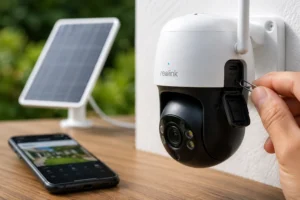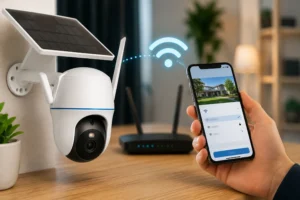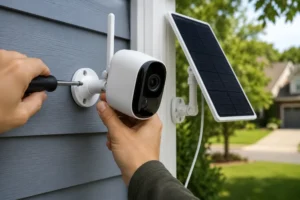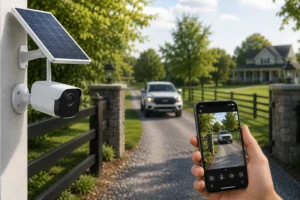
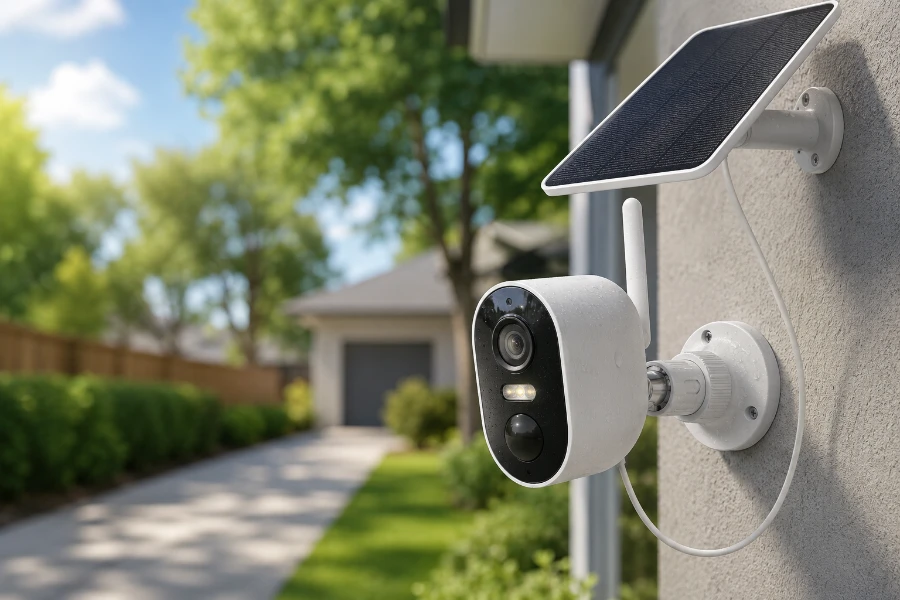
Security cameras have changed dramatically over the last few years. Wires are disappearing. Solar power is becoming mainstream. And homeowners are demanding better image quality without paying monthly fees. That’s exactly where this Reolink Argus 3 Pro review begins.
The Reolink Argus 3 Pro sits in a crowded market filled with battery-powered cameras promising easy installation and reliable protection. Some deliver. Others disappoint after a few weeks of real-world use. After taking a close look at its features, performance, battery life, and overall value, it becomes clear why this model continues to attract attention from homeowners looking for a practical outdoor security solution.
If you’re considering a solar-powered security camera, this review will help you determine whether the Reolink Argus 3 Pro deserves a place on your property.
Reolink Argus 3 Pro at a Glance
Before diving into performance, let’s look at the core specifications.
| Feature | Reolink Argus 3 Pro |
| Resolution | 2K Super HD (2560×1440) |
| Power Source | Rechargeable Battery |
| Solar Compatible | Yes |
| Night Vision | Color and Infrared |
| Motion Detection | PIR + AI Detection |
| Audio | Two-Way Audio |
| Weather Rating | IP65 |
| Storage | MicroSD Card & Cloud |
| Connectivity | 2.4GHz Wi-Fi |
Pros
- Sharp 2K image quality
- Excellent color night vision
- Solar panel compatibility
- No mandatory subscription
- Fast installation
- Reliable motion alerts
- Strong battery performance
Cons
- No 5GHz Wi-Fi support
- No continuous recording
- Digital zoom only
- Advanced smart home integrations are limited
Despite those limitations, the overall package remains impressive for the price.
Design and Build Quality
The first thing that stands out is simplicity.
The camera doesn’t try to look futuristic. Instead, it adopts a clean, modern design that blends naturally into most homes.
Its compact size makes placement easy. You can mount it on:
- Exterior walls
- Fences
- Garages
- Sheds
- Driveway posts
- Backyard structures
The weather-resistant housing feels sturdy without being overly bulky.
Many outdoor cameras look rugged but feel flimsy when handled. The construction feels durable enough for long-term outdoor use while remaining lightweight enough for easy installation.
Built for Outdoor Conditions
The IP65 rating means the camera can handle:
- Rain
- Dust
- Snow
- Heat
- Humid environments
For homeowners in regions with changing weather conditions, that level of protection is important.
No one wants to replace a security camera after the first heavy storm.
Installation and Setup Process
One of the strongest selling points of the Reolink Argus 3 Pro is how quickly it can be installed.
Many security systems require professional installation or hours of setup. This one does not.
What’s Included?
Inside the box you’ll find:
- Reolink Argus 3 Pro camera
- Mounting bracket
- Screws and anchors
- USB charging cable
- Quick-start guide
That’s everything needed to get started.
Setup Experience
The process follows a simple sequence:
- Charge the camera.
- Download the Reolink app.
- Scan the QR code.
- Connect to Wi-Fi.
- Mount the camera.
For most users, setup takes less than 20 minutes.
Even individuals with little technical experience should have no trouble getting the camera operational.
Adding a Solar Panel
Pairing the camera with a solar panel is equally straightforward.
Once connected, the solar panel continuously replenishes battery power during daylight hours. This greatly reduces maintenance and can eliminate the need for manual charging altogether in many environments.
Proper panel placement matters.
Ideally, position the panel where it receives several hours of direct sunlight each day.
Video Quality and Image Performance
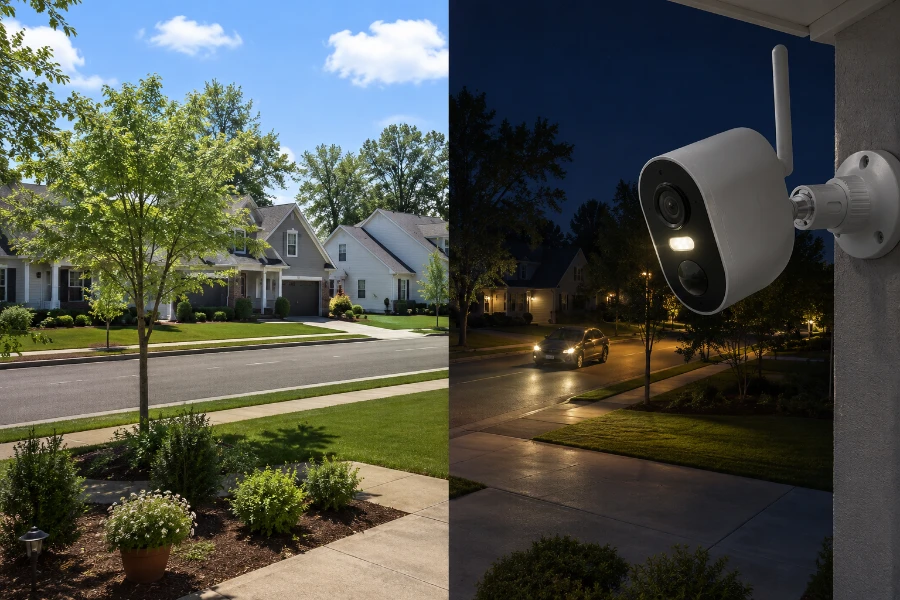
Image quality is where the Reolink Argus 3 Pro begins separating itself from many budget competitors.
2K Super HD Resolution
The camera records at 2560×1440 resolution.
Compared to standard 1080p cameras, the difference is noticeable.
Small details become easier to identify:
- License plates
- Package deliveries
- Faces
- Clothing details
- Vehicle characteristics
Those extra pixels matter when reviewing footage after an incident.
Daytime Performance
During daylight hours, image quality is excellent.
Colors appear natural without looking artificially enhanced.
Exposure is generally well-balanced, even in challenging lighting conditions.
Bright sunlight can create problems for some cameras. The Argus 3 Pro handles these situations reasonably well, preserving details in both shadows and highlights.
Field of View
The wide viewing angle provides substantial coverage.
For typical residential applications, one camera can often monitor:
- A driveway
- Front entrance
- Small yard
- Patio area
This reduces the number of cameras needed for full property coverage.
Zoom Performance
The camera uses digital zoom rather than optical zoom.
While digital zoom isn’t perfect, the 2K resolution helps preserve enough detail for practical use.
The result isn’t cinema-quality enlargement, but it remains useful when examining recorded footage.
Night Vision Performance
Nighttime performance is where many wireless cameras struggle.
Fortunately, this is one area where the Argus 3 Pro performs surprisingly well.
Infrared Night Vision
Traditional black-and-white infrared mode delivers clear nighttime footage. Traditional night vision works by detecting infrared radiation, allowing the camera to capture footage even when visible light is unavailable.
Motion remains visible, and important details can still be identified at typical residential distances.
Color Night Vision
This is one of the camera’s standout features.
When motion is detected, the built-in spotlight activates and allows full-color recording.
That extra color information can be valuable.
A red vehicle, blue jacket, or green backpack becomes significantly easier to identify than it would in black-and-white footage.
Real-World Performance
In practical testing scenarios such as:
- Driveways
- Front porches
- Backyards
- Side entrances
the camera consistently produces useful footage.
The spotlight adds an extra layer of deterrence as well.
Many intruders prefer darkness. Sudden illumination often encourages them to leave quickly.
Motion Detection and Smart Alerts
A security camera is only useful if it accurately detects activity.
False alerts quickly become frustrating.
The Reolink Argus 3 Pro performs well in this category thanks to its PIR sensor and AI-assisted detection.
PIR Motion Detection
Passive infrared technology helps distinguish actual movement from environmental noise.
Instead of constantly recording movement caused by leaves or shadows, the camera focuses on heat signatures.
This approach improves battery life while reducing unnecessary alerts.
Person and Vehicle Detection
The smart detection system can identify:
- People
- Vehicles
This helps filter out many irrelevant notifications.
Rather than receiving dozens of alerts from moving branches, users receive alerts tied to actual activity around the property.
Custom Alert Settings
The app allows extensive customization.
Users can create:
- Motion zones
- Activity schedules
- Sensitivity levels
- Notification preferences
This flexibility helps tailor the camera to specific environments.
For example, a driveway camera may require different settings than a backyard camera.
Detection Accuracy
In most situations, detection accuracy is impressive.
Daytime performance is especially reliable.
Nighttime detection remains strong, although heavy rain, fog, or extreme weather can occasionally affect performance.
That limitation isn’t unique to Reolink. Nearly every wireless security camera faces similar challenges.
Battery Life and Solar Charging Performance
Battery performance often determines whether a wireless security camera becomes a convenience or a headache.
Fortunately, battery life is one of the strongest aspects highlighted in this Reolink Argus 3 Pro review.
Under normal residential use, many owners report several months of battery life from a single charge.
Actual performance depends on factors such as:
- Motion activity levels
- Video recording frequency
- Night vision usage
- Temperature conditions
- Wi-Fi signal strength
A busy driveway naturally consumes more battery than a rarely used backyard camera.
Solar Panel Performance
Pairing the camera with Reolink’s solar panel changes the experience entirely.
In sunny conditions, the panel can generate enough power to offset daily battery consumption. The solar panel relies on photovoltaics to convert sunlight into usable electrical energy, allowing the camera to maintain battery levels with minimal user intervention.
For many homeowners, that’s the entire appeal of a solar-powered security system.
The solar panel works best when:
- Facing direct sunlight
- Free from shade during peak daylight hours
- Clean and unobstructed
Even partial sunlight can contribute meaningful charging throughout the day.
Can It Run Year-Round on Solar?
In many locations, yes.
Properties that receive consistent sunlight often maintain battery levels indefinitely. However, heavily shaded areas, dense tree coverage, or long winter seasons can reduce charging efficiency.
It’s important to think of the solar panel as a battery maintainer rather than an unlimited power source.
That distinction helps set realistic expectations.
Cloudy Weather Performance
One concern many buyers have is prolonged cloudy weather.
Fortunately, the internal battery acts as a backup reserve.
Several overcast days usually won’t create a problem unless the camera is experiencing extremely high activity levels. Once sunlight returns, charging generally recovers quickly.
Storage and Recording Options
One reason many consumers choose Reolink products is the flexibility of storage options.
Unlike some competitors, Reolink does not force users into expensive monthly subscriptions.
MicroSD Card Storage
The camera supports local recording through a microSD card.
Benefits include:
- No monthly fees
- Direct ownership of footage
- Easy playback
- Fast clip retrieval
For many homeowners, local storage alone is sufficient.
Cloud Storage Option
For users wanting off-site backups, cloud storage is available.
Cloud storage provides additional protection if:
- The camera is stolen
- The memory card becomes damaged
- Footage needs remote backup
Having both options gives users flexibility based on their security priorities.
Playback Experience
The Reolink app makes reviewing footage relatively painless.
Users can:
- Browse event recordings
- Search by date and time
- Download clips
- Share recordings
The timeline interface is intuitive and responsive, making it easy to locate important events.
The Value of No Monthly Fees
Many competing cameras become expensive over time because advanced features require subscriptions.
The Reolink Argus 3 Pro remains attractive because it delivers strong functionality without creating another recurring bill.
For long-term ownership, that savings can become substantial.
Mobile App and User Experience
Hardware matters.
Software matters just as much.
A great camera paired with a poor app quickly becomes frustrating.
Fortunately, Reolink’s mobile application performs well.
Core Features
The app provides access to:
- Live viewing
- Motion alerts
- Playback controls
- Camera settings
- Battery status
- Spotlight controls
- Audio communication
Everything feels logically organized.
Ease of Use
The learning curve is relatively small.
Most users can navigate the application comfortably after only a few minutes.
Menus are clearly labeled, and important settings are easy to locate.
That’s not always the case with security camera apps.
Remote Monitoring
One of the biggest advantages of wireless cameras is remote access.
Whether you’re:
- At work
- On vacation
- Running errands
you can quickly check live footage from your smartphone.
Connection reliability is generally strong when both the camera and phone have stable internet access.
Managing Multiple Cameras
Homeowners with larger properties can add multiple Reolink devices into a single dashboard.
This creates a centralized security experience that is much easier to manage than switching between separate applications.
Weather Resistance and Outdoor Reliability
Outdoor security cameras face constant exposure to the elements.
Rain.
Dust.
Heat.
Wind.
Cold.
The Reolink Argus 3 Pro is designed to handle all of them.
Understanding the IP65 Rating
The IP65 rating indicates resistance against dust and water intrusion.
While the camera should not be submerged, it can comfortably withstand normal outdoor weather conditions.
Performance Across Different Climates
The camera performs reliably in:
- Hot southern climates
- Temperate regions
- Cold winter environments
- Coastal areas
Extreme conditions can impact battery efficiency, but overall reliability remains strong.
Maintenance Recommendations
A few simple habits help maximize performance:
- Clean the lens periodically
- Remove dirt from the solar panel
- Check mounting hardware annually
- Update firmware regularly
These small steps can significantly extend the lifespan of the system.
Security and Privacy Features
Security cameras should protect privacy, not create new vulnerabilities.
This is another area where Reolink performs reasonably well.
Data Protection
The camera uses encrypted communication between the device and the app.
This helps prevent unauthorized access during transmission.
Benefits of Local Storage
Many users prefer local storage because footage remains under their direct control.
Instead of relying entirely on cloud servers, recordings stay on hardware they physically own.
That level of control appeals to privacy-conscious buyers.
Firmware Updates
Reolink regularly releases firmware updates that improve:
- Security
- Stability
- Feature performance
- Detection accuracy
Keeping firmware updated remains one of the simplest ways to maintain protection.
Reolink Argus 3 Pro vs Competitors
No Reolink Argus 3 Pro review would be complete without comparing it to major alternatives.
| Feature | Argus 3 Pro | Arlo Essential | Blink Outdoor | Eufy SoloCam |
| Resolution | 2K | 1080p | 1080p | 2K |
| Solar Compatible | Yes | Yes | Yes | Yes |
| Local Storage | Yes | Limited | Optional | Yes |
| Subscription Required | No | Often | Often | No |
| Color Night Vision | Yes | Yes | Limited | Yes |
Against Arlo Essential
The Reolink typically delivers better value because users can avoid recurring subscription costs.
Against Blink Outdoor
Blink offers strong battery life, but image quality generally favors Reolink thanks to its higher resolution.
Against Eufy SoloCam
This comparison is much closer.
Both products emphasize local storage and privacy, though Reolink often provides more affordable solar-powered configurations.
Best Use Cases for the Reolink Argus 3 Pro
The camera works particularly well in several scenarios.
Residential Driveways
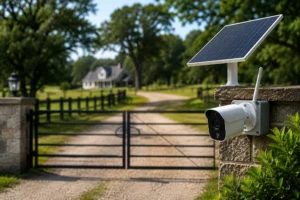
Monitoring vehicles, deliveries, and visitors becomes simple thanks to the wide viewing angle and smart alerts. Homeowners specifically focused on entrance monitoring may also benefit from learning how a solar driveway camera setup can improve coverage around driveways and property access points.
Front Door Security
The spotlight and two-way audio create a strong deterrent while allowing communication with visitors.
Backyard Monitoring
Families can monitor outdoor spaces without extensive wiring or infrastructure.
Farms and Rural Properties
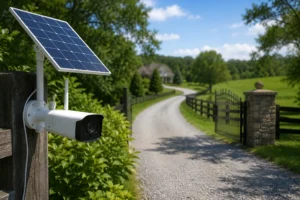
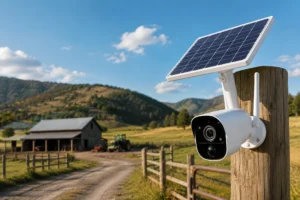
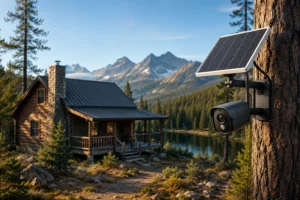
Solar charging and battery operation make the camera ideal for remote locations where power outlets may not be available. For off-grid applications, understanding how a solar camera no internet system functions can help property owners secure land, equipment, and buildings even when traditional internet service is unavailable.
Construction Sites
Temporary monitoring becomes easier because installation requires minimal effort.
Vacation Homes
Remote access allows property owners to check on secondary residences from virtually anywhere.
Common Limitations Buyers Should Know
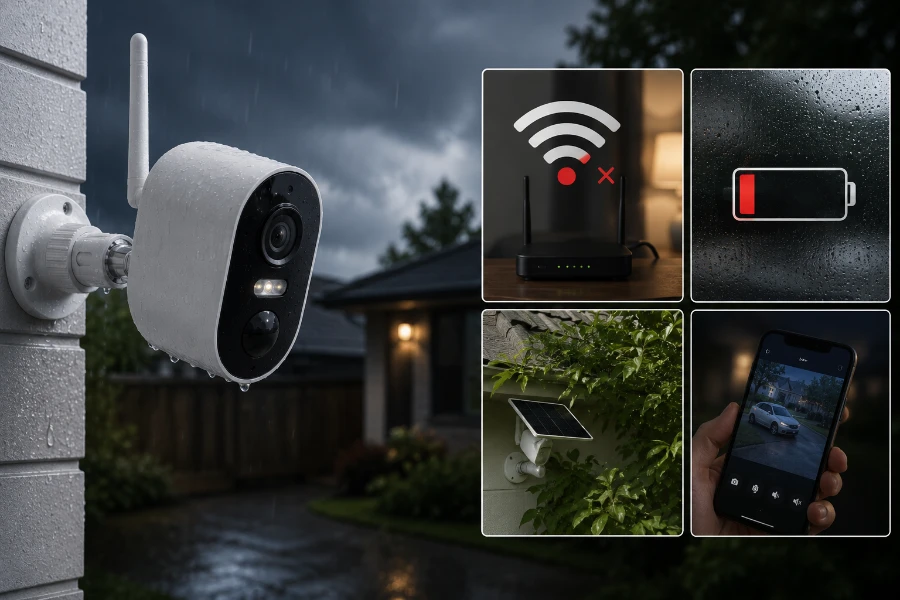
No product is perfect.
This Reolink Argus 3 Pro review would be incomplete without discussing the drawbacks.
Wi-Fi Dependency
The camera relies on Wi-Fi connectivity.
Poor signal strength can affect performance and responsiveness.
No Continuous Recording
Battery-powered cameras are designed around event-based recording.
Users seeking 24/7 surveillance should consider wired systems.
Solar Placement Challenges
Solar charging depends heavily on sunlight availability.
Properties with significant shade may not achieve the same results.
Limited Smart Home Integration
While the camera supports basic integrations, it is not as deeply connected to smart home ecosystems as some premium competitors.
Is the Reolink Argus 3 Pro Worth Buying in 2026?
After examining every major category, the answer is surprisingly straightforward.
For most homeowners, yes.
The combination of strong image quality, reliable motion detection, flexible storage options, solar compatibility, and no mandatory subscription fees makes it one of the better values in the wireless security camera market.
Who Should Buy It?
The camera is particularly well suited for:
- Homeowners
- Small businesses
- Rural property owners
- DIY installers
- Vacation property owners
Who May Want Another Option?
Some buyers may need a different solution if they require:
- Continuous 24/7 recording
- Enterprise-level surveillance
- Extensive smart home automation
- Advanced professional monitoring services
Final Verdict
Throughout this Reolink Argus 3 Pro review, the camera consistently demonstrates strong real-world performance.
Its strengths are easy to identify:
- Excellent 2K video quality
- Reliable color night vision
- Solar charging compatibility
- Strong battery life
- Flexible storage options
- No required subscription fees
The limitations are relatively minor and largely expected for a battery-powered camera.
For homeowners seeking a wireless, solar-friendly security solution that balances performance and affordability, the Reolink Argus 3 Pro remains an excellent choice.
Conclusion
The Reolink Argus 3 Pro review reveals a camera that successfully delivers on the features most buyers care about. It offers sharp video, dependable alerts, solid battery life, and the freedom to operate without constant charging when paired with a solar panel.
While it won’t replace a professional wired surveillance system, it doesn’t try to. Instead, it provides a practical, user-friendly solution for everyday property protection. For homeowners looking to secure a driveway, front porch, backyard, farm, or vacation property, the Reolink Argus 3 Pro continues to be one of the strongest solar-powered security camera options available today.
FAQs
Yes, it offers strong 2K video quality, color night vision, and flexible storage options at a competitive price.
No, you can use local microSD card storage without paying any monthly fees.
Battery life varies by usage, but many users get several weeks to a few months on a single charge.
Yes, it is compatible with Reolink solar panels, which can help maintain battery levels throughout the year.
No, it is a battery-powered camera that records motion-triggered events rather than 24/7 footage.
The camera offers both infrared and color night vision, providing clear footage in low-light conditions.
Yes, its IP65 weather-resistant design allows it to operate outdoors in rain, dust, and varying temperatures.
Yes, the AI-powered detection system can identify people and vehicles to reduce false alerts.
Yes, the Reolink mobile app allows you to access live video, recordings, and alerts from virtually anywhere.
For homeowners seeking a wireless, solar-compatible camera without subscription fees, it remains an excellent value.