Some links on this page are affiliate links. If you buy through them we may earn a commission at no extra cost to you. How we stay independent.
Quick answer
- No-subscription storage options: microSD card in the camera, a local hub/base station, or an NVR.
- Landlords: exterior and shared areas are generally OK in many places; never inside units or private spaces. Disclose cameras in the lease.
- Audio recording is stricter than video under wiretap and consent laws. Many landlords leave audio off.
- Tenants: use clamp, adhesive or gutter mounts, get written permission, and remove the camera when you leave.
- Cloud history and some AI detection usually need a plan; live view and local recording usually do not.
This guide is general information, not legal advice. Camera and recording laws vary by state, county and city, and fair housing rules also apply. Check your local law, or ask a local attorney, before installing cameras at a rental.
Who this guide is for
Rental cameras raise different questions depending on which side of the lease you are on. Landlords want to protect the building, deter crime in shared areas and document damage, without invading tenants’ privacy or breaking the law. Tenants want to see who comes to the door and protect packages and cars, without losing their deposit to holes in the siding.
Both share one goal: a rental property outdoor camera with no subscription, meaning it works without a monthly fee. We cover the legal basics for each, then the hardware options that avoid a subscription, and finally a table of which features normally need a paid plan.
Can a landlord have cameras outside a rental property?
In many places, yes, with limits. The general principle across US states is that people have a reasonable expectation of privacy inside their homes and in spaces like bathrooms, but much less in exterior and shared areas that anyone could see. Landlords commonly place cameras on:
- Building entrances and exterior doors
- Parking lots and driveways
- Shared hallways, lobbies, mailrooms and laundry rooms (in multi-unit buildings)
- Exterior of single-family rentals, such as the driveway and garage approach
What landlords generally cannot do:
- Put cameras inside a tenant’s unit while it is rented, including bedrooms, bathrooms and living areas.
- Aim exterior cameras into windows or into a tenant’s private yard or patio in a way that records private activity.
- Use cameras to harass or single out tenants, or in a way that could be seen as discriminatory. Fair housing rules apply; see HUD’s fair housing resources.
- Hide cameras in places where tenants would reasonably expect privacy.
Disclosure in the lease
Even where not strictly required, disclosing cameras is good practice. Add a clause to the lease listing where cameras are, what they record, whether audio is recorded, how long footage is kept and who can see it. Post visible signs at entrances. Clear disclosure prevents disputes and shows good faith if anything ever ends up in court.
Audio is a different matter
Recording conversations is covered by federal and state wiretap laws. Some states require only one party’s consent; others require all parties to consent. A camera that records audio in a shared hallway may capture conversations nobody agreed to. Many landlords simply turn audio recording off on rental cameras to stay clear of the issue. For an overview of how consent rules differ, see call recording laws by jurisdiction and confirm with your state’s statutes.
If you rent through a short-term rental platform, it has its own camera disclosure rules and generally bans indoor cameras. Local ordinances may add more. Read the platform policy and your city rules.
Can I have cameras on my rental property as a tenant?
Usually, yes, but check your lease and ask your landlord. Tenants commonly add a doorbell camera or a small outdoor camera to watch their own entrance, car or package drop-off. The issues are usually about installation rather than recording:
- Alterations clauses. Most leases forbid drilling, wiring or altering the exterior without permission.
- Shared spaces. In a multi-unit building, aiming a camera at a shared hallway or other tenants’ doors may break building rules or upset neighbors.
- HOA or building rules. Condos and managed buildings may have their own restrictions.
Get permission in writing, even a short email. Explain what the camera points at and how it is mounted. Most landlords say yes to a tenant security camera that does not damage the building and only watches the tenant’s own door or parking spot.
No-drill installs for tenants
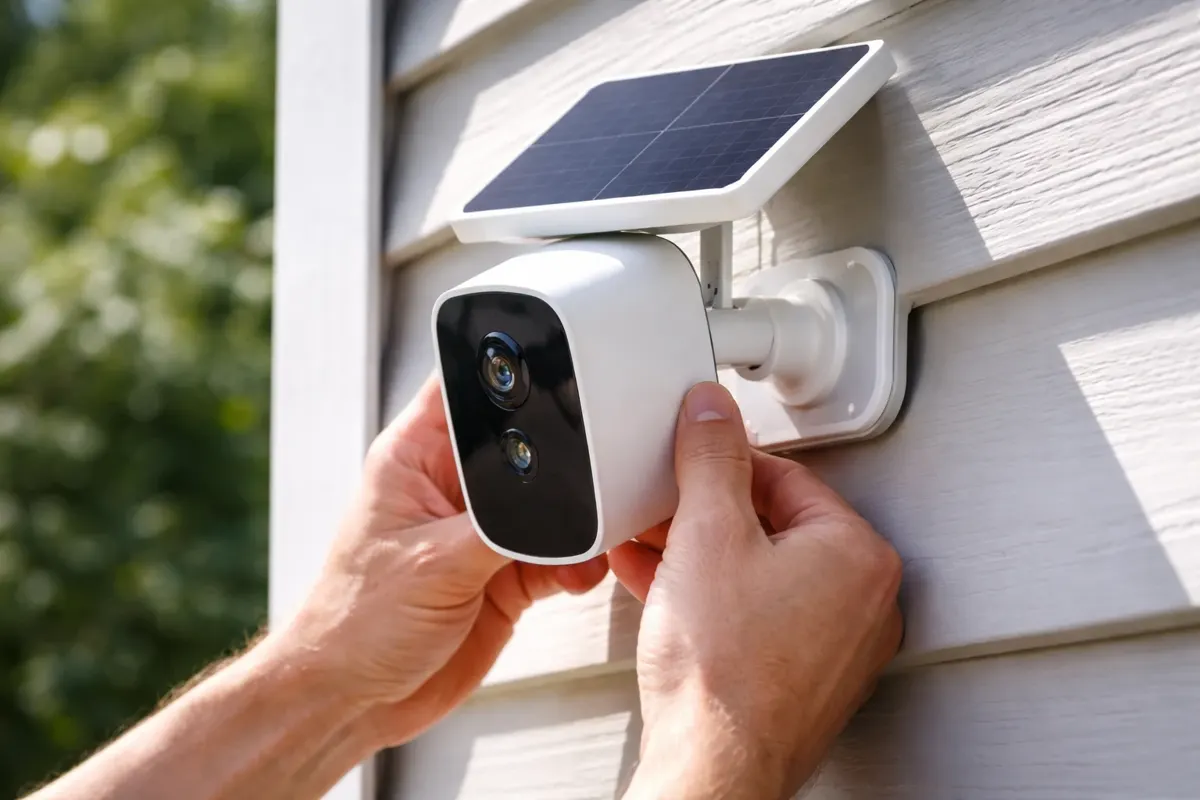
Battery and solar cameras are ideal for renters because there is no wiring. Mounting options that leave no damage:
- Gutter mounts that clip to the edge of a gutter, often paired with a small solar panel.
- Clamp mounts on railings, fence posts, pergolas or balcony rails.
- Heavy-duty adhesive mounts on smooth surfaces such as siding or door frames (check the weight rating and test before trusting a camera to it).
- Doorbell cameras that use no-drill brackets on the door frame, battery powered.
- Indoor cameras looking out a window, with the caveat that infrared night vision reflects off glass.
Our full guide to installing a camera without drilling covers each option and its limits. When you move out, take the camera and mount with you, remove any adhesive residue, and factory reset the camera before reusing it; see how to reset a solar camera.
Outdoor camera with no monthly fee: how local storage works
An outdoor camera with no monthly fee stores its video somewhere you own, rather than on the manufacturer’s servers. There are three common approaches.
microSD card in the camera
The simplest option. Clips are saved to a card in the camera, typically 32–256 GB depending on the model. You view them through the app. Downsides: if someone steals the camera, the footage goes with it, and the card eventually fills up and overwrites old clips. The data and storage calculator estimates how many days a card holds.
Local hub or base station
Some systems pair cameras with a base station indoors (often called a HomeBase, hub or station depending on the brand) that holds storage. Footage is stored inside the building, so stealing the camera does not take the evidence. Hubs can also extend range and improve battery life on some systems.
NVR (network video recorder)
An NVR is a dedicated recorder with a hard drive, usually paired with wired PoE cameras or Wi-Fi cameras from the same brand. It can record 24/7 and keep weeks of footage. NVRs suit landlords with multi-unit buildings and power available at the camera locations; they are overkill for a tenant’s single door camera.
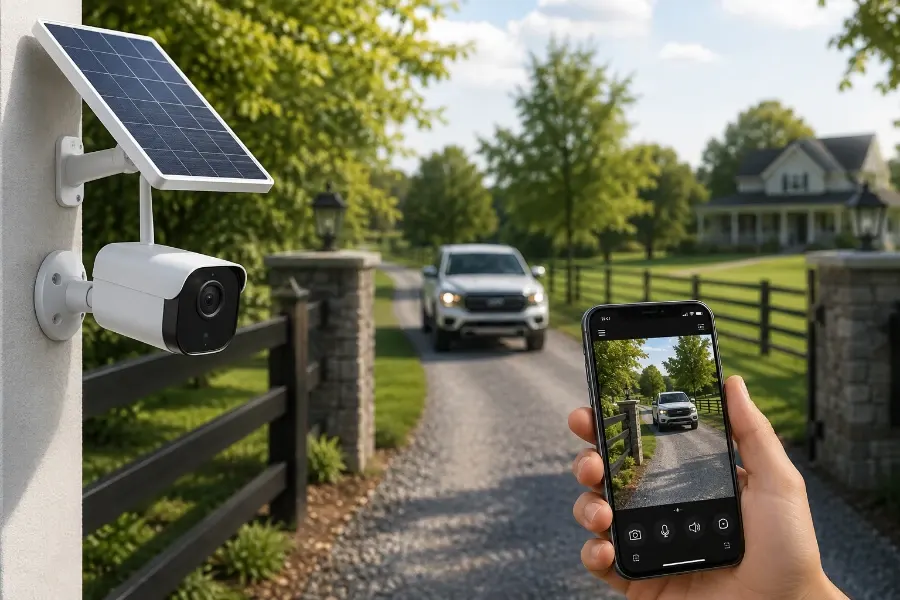
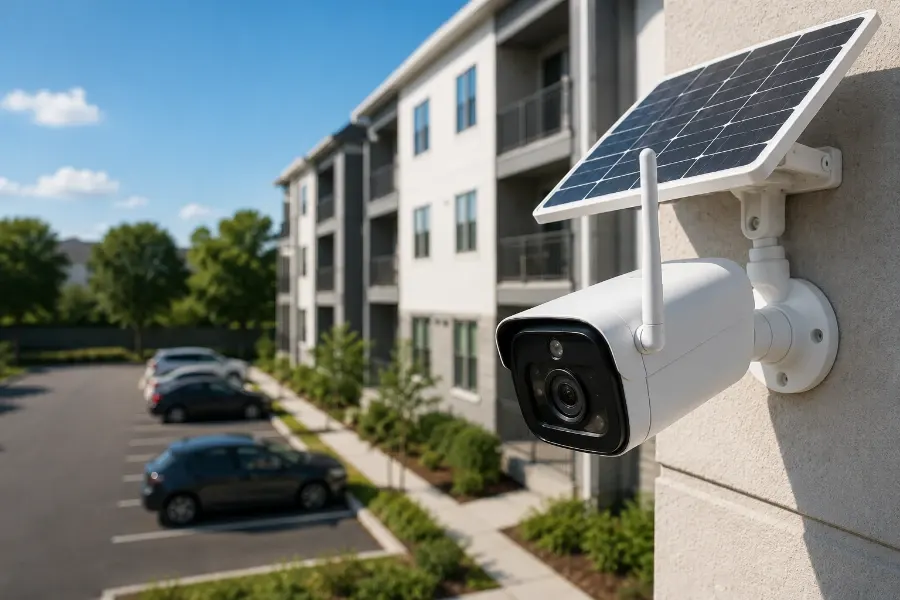
For landlords with exterior spots far from power, such as a parking lot or a detached garage, solar cameras with local storage avoid both the electrician and the subscription. Our solar vs wired comparison breaks down the costs, and the solar vs wired cost calculator runs a five-year estimate.
Which features need a subscription?
Subscriptions are not a scam, but they are often unnecessary for rentals. What is included free and what is behind a paywall varies by brand, so always check the current plan details. As a general pattern:
| Feature | Usually free | Often needs a plan |
|---|---|---|
| Live view in the app | Yes | — |
| Motion alerts to your phone | Yes | — |
| Local recording (microSD, hub, NVR) | Yes | — |
| Basic motion detection and zones | Yes | — |
| Person/vehicle detection | On many cameras (on-device) | Some brands (cloud-based) |
| Package, face or pet recognition | Some brands, on-device | Often |
| Cloud video history (30–60 days) | Rarely, or a few hours | Yes |
| Rich notifications with snapshot | Varies | Some brands |
| Professional monitoring | — | Yes |
| Cellular (4G) data | — | Yes, from a carrier |
Cloud storage does have one real advantage at a rental: footage is safe even if the camera is stolen or the internet is cut. If you skip cloud, choose a hub or NVR that keeps footage indoors, or accept the microSD risk.
Best security cameras for rental property: what to look for
The best security cameras for rental property depend on who owns them and where they go. A quick checklist:
| Need | Landlord | Tenant |
|---|---|---|
| Power | Wired/PoE where possible; solar for parking and outbuildings | Battery or solar, no wiring |
| Storage | NVR or hub, no subscription | microSD or small hub |
| Mounting | Permanent, tamper-resistant, high | No-drill, removable |
| Audio | Usually off | Off, or two-way talk only |
| Access | Owner/manager accounts with logs | Personal account, shared with roommates |
| Coverage | Entrances, parking, common areas | Own door, own car, packages |
Battery and solar cameras suit both groups at exterior spots. Our best solar security cameras guide compares camera types, and how many CCTV cameras do I need helps with counts for a multi-unit building. The CCTV camera planner counts cameras zone by zone.
Choosing a rental property outdoor camera with no subscription
When you shop for a rental property outdoor camera with no subscription, read the product listing for three details before anything else: where video is stored, which detection features run on the camera itself, and what the free tier of the app includes. Marketing often says "no monthly fees" while quietly limiting free users to live view.
Battery and solar cameras
The default choice for tenants and for landlord spots without power. A small panel keeps the battery topped up, so nobody has to climb a ladder to recharge it every few months. Most store clips on microSD or a hub. Check the panel will get a few hours of direct sun at the mounting spot; the solar camera site check helps, and do solar cameras need direct sunlight explains the limits of shaded spots.
Wired and PoE cameras
Best for landlords who own the building and want permanent, 24/7 recording at entrances and parking. A PoE camera carries power and data over one network cable to an NVR, so there is no battery to manage and no cloud required. Installation is more work and usually means drilling, which is fine for an owner and rarely fine for a tenant.
Doorbell cameras
A battery video doorbell is often the single most useful camera for a tenant, because the front door is where packages and visitors arrive. Check that the model records locally and that the free tier keeps recorded clips, not just live view.
Whichever type you choose, confirm the camera supports privacy masking, so you can black out a neighbor’s window or a shared area you should not be recording.
Using footage to document damage and incidents
Exterior footage can help landlords document vandalism, illegal dumping, unauthorized vehicles or a break-in, and help tenants document package theft or damage to their car. Keep it proportionate: cameras on common areas are for security and safety, not for tracking a tenant’s guests or schedule, which can quickly become a privacy or harassment issue.
If something happens, download and save the relevant clips immediately, because local storage overwrites old footage. Note the date, time and camera, and share copies with police or your insurer as needed. Our night performance guide covers what to expect from footage after dark.
Setting up rental property cameras the right way
- Check the law and the lease
Look up your state’s rules on video surveillance and audio recording, and any city ordinances. Landlords: update the lease template. Tenants: read the alterations clause.
- Get permission or give notice
Tenants ask in writing. Landlords notify existing tenants before adding cameras, in writing, and post signs.
- Plan the views
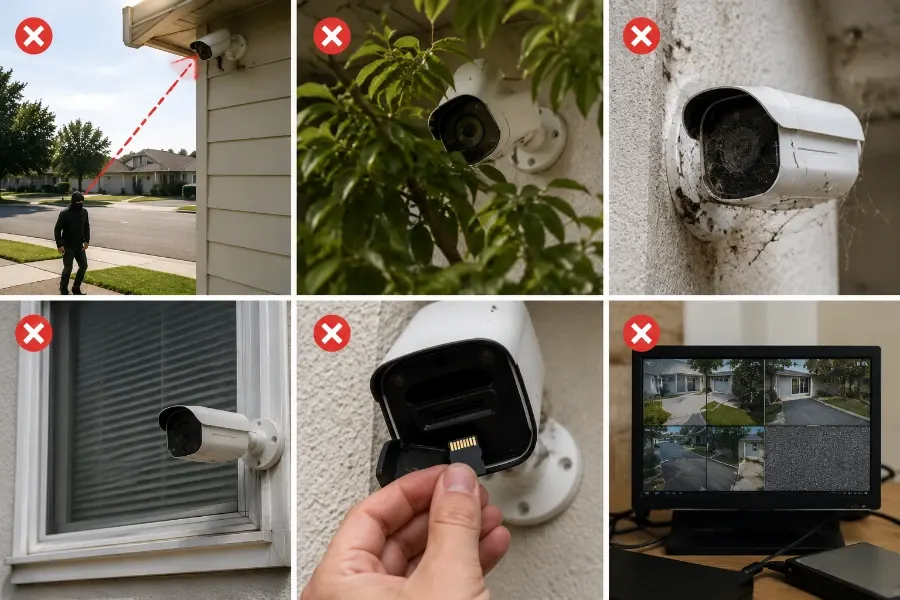
Cover entrances, parking and shared areas. Avoid windows, private yards and neighbors’ doors. Use privacy masking in the app to black out anything you should not record.
- Choose local storage
microSD for a single camera, hub or NVR for several. Set a retention period and stick to it.
- Turn audio off unless you are sure
Two-way talk for answering the door is one thing; recording conversations is another.
- Secure the accounts
Use strong passwords and two-factor authentication. When tenants move out, landlords should confirm former tenants no longer have access, and tenants should remove the camera from their account before handing it over.
Recommended gear
eufy SoloCam S220
- 2K
- Built-in solar panel
- 2.4 GHz Wi‑Fi
- Local storage
- No monthly fee
Budget one-piece camera with the panel built in. Best in open, sunny spots where a small panel can keep up.
View on AmazonGutter mount for security cameras
- No drilling
- Clamps to gutter edge
- Adjustable arm
Renter-friendly way to get a camera high on the house without screws in the siding.
View on AmazonVinyl siding hooks / clips
- No holes
- Slip under siding
- Light loads only
For light cameras on vinyl siding. Check the weight rating against your camera and panel.
View on AmazonSamsung PRO Endurance microSD
- Endurance-rated
- U3 / V30
- 64–256 GB
A second endurance-rated option for cameras and dash cams. Format it in the camera, not on a computer.
View on AmazonAffiliate links. Prices, bundles and specs change, so confirm compatibility on the listing.
Common disputes and how to avoid them
Most camera disputes at rentals come from surprises: a tenant finds a camera they were never told about, a neighbor notices a lens pointed at their patio, or a landlord uses footage in a way that feels like surveillance of one tenant. Disclosure, careful aiming, privacy masking and a written policy on who views footage and when prevent most of these.
For tenants, the most common problem is damage. A camera screwed into vinyl siding or brick without permission can cost part of a deposit. No-drill mounts, written permission and a photo of the mount area before installation protect you.
If you want an alert the moment someone pulls into the driveway, see solar camera driveway alerts.
Frequently asked questions
Can a landlord have cameras outside a rental property?
In many places, yes. Landlords commonly record exterior areas, entrances, parking and shared common areas, ideally with disclosure in the lease and visible signs. They generally cannot record inside a tenant’s unit or aim cameras into windows or private yards. Laws vary by state and city, so check local rules; this is not legal advice.
Can I have cameras on my rental property as a tenant?
Usually, as long as the lease allows it and you have the landlord’s permission for any installation. A battery camera on a no-drill mount watching your own door or parking spot is rarely a problem. Avoid pointing it at shared hallways or neighbors’ doors, and take it with you when you move out.
Do outdoor cameras work without a subscription?
Many do. Cameras that record to a microSD card, a local hub or an NVR give you live view, motion alerts and recorded clips with no monthly fee. Subscriptions usually add cloud video history, some AI recognition features and professional monitoring. Check each brand’s current free features before buying.
Can a landlord record audio on security cameras?
Audio is much more restricted than video. Federal and state wiretap laws cover recording conversations, and some states require consent from everyone being recorded. Many landlords turn audio recording off entirely on rental property cameras. Check your state’s law before enabling it.
What happens to my camera footage if the camera is stolen?
If footage is stored only on a microSD card inside the camera, it is lost with the camera. A local hub or NVR stored indoors keeps the footage safe, as does a cloud subscription. Mounting the camera high and using tamper-resistant screws also reduces the risk.
Do landlords have to tell tenants about cameras?
Requirements vary by state and city, but disclosure is always good practice. List camera locations, what they record, whether audio is captured and how long footage is kept in the lease, and post visible signs. Clear notice prevents disputes and shows good faith.