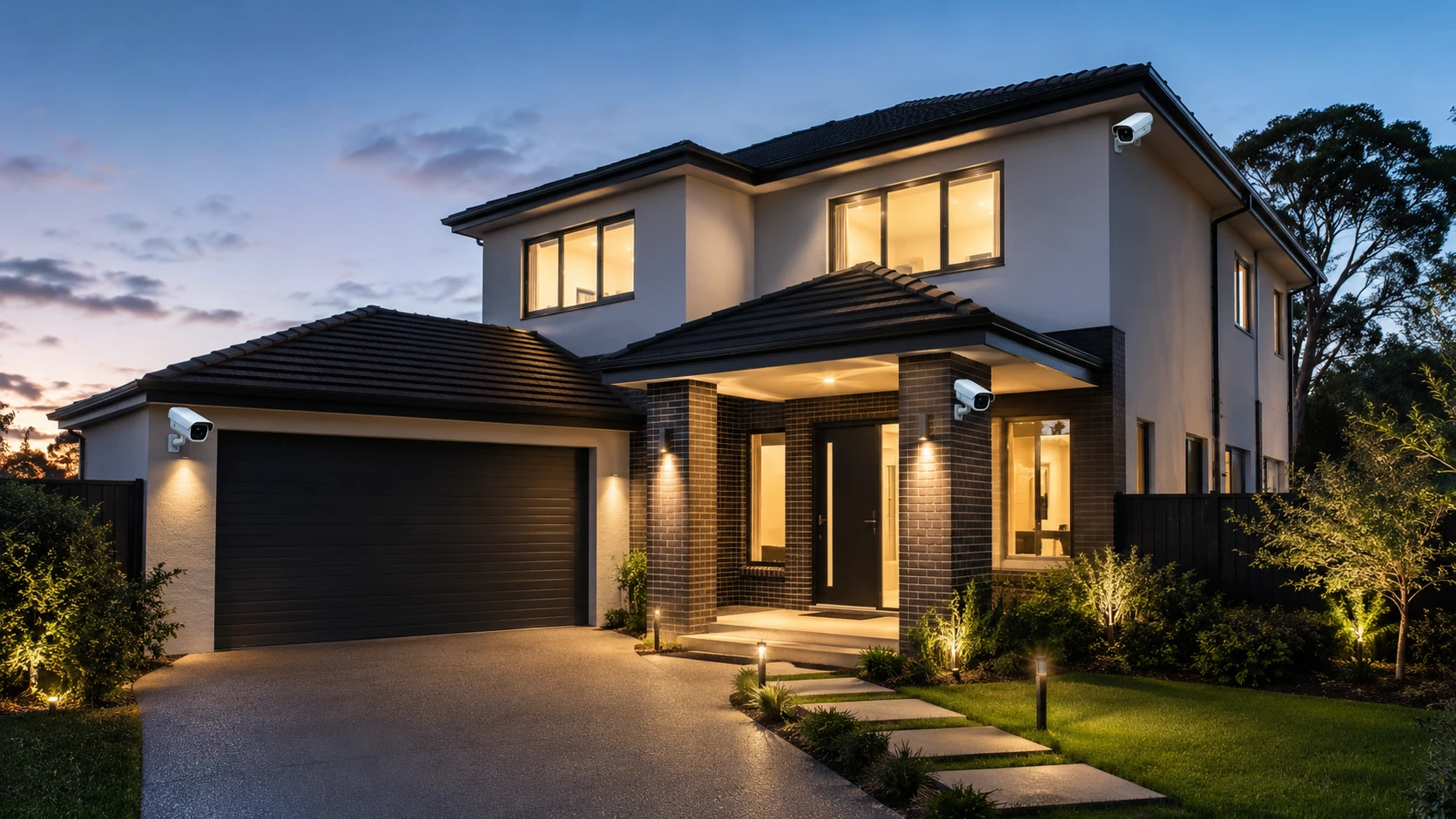
If you are asking how many CCTV cameras you need, the real answer is not “as many as possible.” It is the right number in the right places. A smart CCTV plan covers your main entry points, reduces blind spots, protects valuable areas, and avoids wasting money on cameras that do not add much security.
That matters because more cameras do not automatically mean better protection. A poorly placed 10-camera system can still miss the driveway, side gate, or back door. Meanwhile, a well-planned 4-camera setup can give a homeowner much stronger coverage where it counts.
So, let’s make this simple.
Most homes need between 2 and 8 CCTV cameras, depending on property size, layout, risk areas, and the level of coverage you want. Apartments may only need one or two cameras. A detached home may need four to six. Larger homes, multi-storey properties, farms, sheds, or wide outdoor spaces may need eight or more.
Before choosing a number, think about purpose. Are you watching deliveries? Protecting vehicles? Covering a gate? Monitoring a garden? Securing a remote outbuilding? Each goal changes the camera count.
Free CCTV Camera Calculator
Before reading the full guide, use the free CCTV camera calculator below. It gives you a practical starting estimate based on your property type, preferred coverage level, outdoor areas, and optional indoor areas.
How many CCTV cameras do you need?
Build a practical starting plan in less than a minute. Select the areas you want to protect and choose your preferred coverage level.
Good to know: This calculator gives a general planning estimate. Camera field of view, building shape, obstructions, local privacy laws and installation height can change the final requirement. Avoid private areas and neighboring property; ask a qualified installer to confirm coverage.
This tool is designed to help you answer the question quickly: how many CCTV cameras do I need for my property?
Select your home type, choose between essential, balanced, and comprehensive coverage, then mark the spaces you want visible on camera. The calculator will suggest a camera count, split the estimate between outdoor and indoor cameras, and list possible camera locations.
Use the result as a planning guide, not a final installation blueprint. Camera angle, wall height, field of view, lighting, trees, fences, corners, and local privacy rules can all affect the final setup.
Why the Number of CCTV Cameras Depends on Your Property
There is no universal CCTV camera count because no two properties are shaped the same.
One home may have a single front entrance and a small parking space. Another may have a driveway, garage, side gate, back garden, shed, and detached workshop. Both are homes, but they need very different security plans.
When deciding how many CCTV cameras to install, start with these factors:
- Property size
- Number of entrances
- Driveway or garage layout
- Side passages and blind spots
- Backyard or garden access
- Detached buildings
- Indoor monitoring needs
- Lighting conditions
- Camera field of view
- Power source and connectivity
- Privacy restrictions
A small home with clear sightlines may need fewer cameras. A large property with several entry points may need more. Simple.
However, do not plan only by square footage. Plan by movement.
- Where would a visitor walk?
- Where would a delivery driver stop?
- Where could someone enter without being seen?
- Where are your vehicles, tools, packages, and outdoor equipment located?
Those areas deserve attention first.
Quick Camera Count Guide by Property Type
The table below gives a practical starting point. It is not a strict rule, but it helps you estimate the range before using the calculator.
| Property Type | Essential Coverage | Balanced Coverage | Comprehensive Coverage |
| Apartment / Condo | 1–2 cameras | 2–3 cameras | 3–4 cameras |
| Townhouse / Terraced House | 2–3 cameras | 3–5 cameras | 5–7 cameras |
| Detached / Semi-Detached Home | 3–4 cameras | 4–6 cameras | 6–8 cameras |
| Large or Multi-Storey Home | 5–6 cameras | 7–9 cameras | 10+ cameras |
| Property with Gate, Shed, or Outbuilding | 5–8 cameras | 8–10 cameras | 10+ cameras |
For many homeowners, balanced coverage is the best place to start. It covers access points and common blind spots without turning the property into a complicated surveillance project.
Comprehensive coverage makes sense when the property is larger, has valuable outdoor assets, or needs overlapping camera angles for stronger visibility.
Start With the Main Entry Points
The smartest way to answer how many CCTV cameras you need is to count the areas that matter most.
Start with doors. Then vehicles. Then blind spots. And then outdoor assets.
Front Door
The front door is usually the first camera location. It captures visitors, deliveries, guests, and most normal approach activity.
For many homes, this is non-negotiable.
A front door camera should be positioned to clearly show faces, not just the tops of heads. It should also capture packages on the ground if delivery monitoring is important. Avoid mounting it too high. Higher is not always better.
Best use cases:
- Visitor identification
- Package monitoring
- Entryway activity
- Day-to-day home access
For apartments and condos, one front door camera may be enough if the building already has shared security in hallways, elevators, or lobby areas.
Driveway or Garage
If you park vehicles outside, the driveway should be high on your list.
Vehicle-related incidents, garage access, tool storage, and nighttime movement often happen in this zone. A driveway camera can also capture people approaching the home before they reach the front door.
For best results, angle the camera across the driveway rather than straight down from the garage wall. A side angle often provides better vehicle and face visibility.
A driveway or garage camera helps monitor:
- Cars and motorcycles
- Garage doors
- Side approaches
- Trash bins or storage areas
- Late-night movement
If the driveway is long or wide, one camera may not be enough. A wide overview camera can show general movement, while a second camera can focus on the garage entrance or vehicle plates.
Back Door
Back doors are easy to overlook. That is a mistake.
Many homes put most of the security budget at the front, then leave the rear entrance exposed. Yet back doors often provide privacy, cover, and less street visibility.
A camera near the back door can help cover:
- Rear entry activity
- Patio doors
- Garden access
- Outdoor steps
- Back porch areas
If your home has a sliding glass door, rear deck, or garden-facing entrance, consider this one of the essential camera spots.
Side Passages
Side passages are classic blind spots. They are narrow, shadowed, and often hidden from the street.
If someone can walk from the front to the back of your home without passing a camera, that gap needs attention.
A side passage camera does not always need to be fancy. It needs a clean view of movement. Place it where it can capture the full length of the path if possible. If the passage bends or has obstacles, you may need another angle.
Good places to cover include:
- Narrow side yards
- Walkways between homes
- Gate access
- Utility boxes
- Pathways to the backyard
For detached and semi-detached homes, side areas are often the difference between basic and balanced coverage.
Outdoor Areas That May Need Extra Cameras
Once the entry points are covered, look at outdoor spaces where people, vehicles, tools, or equipment may be present.
Backyard or Garden
A backyard camera is useful if the area has access points, children’s play equipment, pets, garden tools, or outdoor furniture.
It is also useful when the rear boundary is open, shared, or easy to approach.
However, do not place a camera only for the sake of covering grass. Think in zones. A camera should show entrances, gates, patios, sheds, or movement paths.
A backyard camera may be worth adding when you have:
- A rear gate
- A patio or deck
- A pool area
- Outdoor furniture
- Garden storage
- Pets or livestock
- Low rear fencing
If the backyard is large, one camera may only provide a general overview. For stronger coverage, you may need a second camera pointed at the back door, shed, or boundary.
Gate or Boundary
A gate camera can be very useful for larger properties.
It catches activity before someone reaches the house. This is especially helpful for rural homes, long driveways, commercial yards, farms, and properties with expensive outdoor equipment.
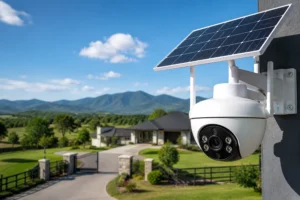
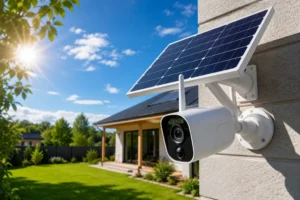
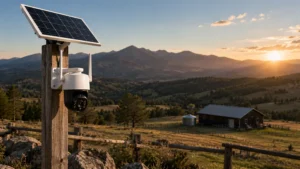
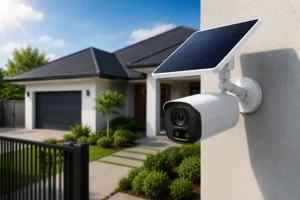
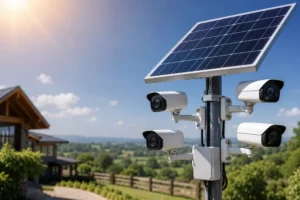
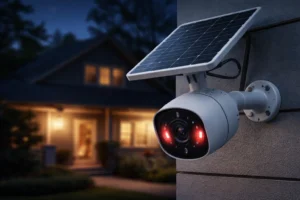
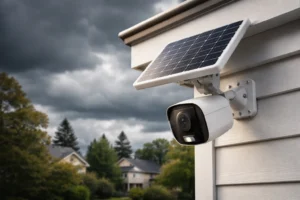
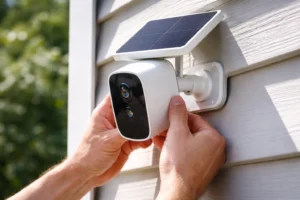
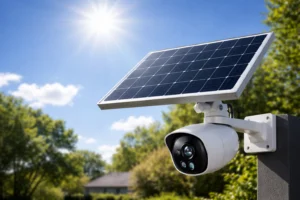
Solar CCTV cameras are especially practical here because running cable to a gate or fence line can be difficult and expensive. With solar power, a camera can be placed where coverage is needed instead of only where wiring is easy.
Gate and boundary cameras are useful for:
- Driveway entrances
- Farm gates
- Perimeter fences
- Remote access roads
- Shared entrances
- Large yards
If your property has a gate, include it when calculating how many CCTV cameras you need.
Shed or Outbuilding
Sheds are often full of valuables. Tools, bikes, lawn equipment, batteries, machinery, and work gear are common targets.
A camera aimed at a shed or outbuilding can be more useful than another camera pointed at the same front driveway. Focus on the actual risk.
For detached structures, consider:
- One camera facing the shed door
- One overview camera facing the path to the shed
- A solar CCTV camera if wiring is difficult
- Motion detection for nighttime activity
If the outbuilding is far from the home, check signal strength before choosing the final camera location.
Indoor CCTV Cameras: When Are They Worth Adding?
Indoor cameras are optional for many homeowners. Some people want them. Others prefer to keep CCTV outside. Both choices can be reasonable.
If you do use indoor cameras, keep them focused on movement routes and shared spaces. Avoid private areas.
Good indoor locations include:
- Entry hallway
- Main living area
- Stairs or landing
- Utility room
- Storage room
- Home office entrance
Avoid bedrooms, bathrooms, changing areas, and private spaces where recording would feel intrusive or may violate local rules.
Indoor cameras are especially useful when:
- You travel often
- You want to monitor pets
- You have cleaners or contractors entering
- You store valuables indoors
- You want confirmation after an alarm alert
For a simple home setup, one indoor camera near the entry hallway may be enough. For a larger home, a stairs or landing camera can help capture movement between floors.
Essential, Balanced, and Complete CCTV Coverage
Not everyone needs the same level of coverage. This is why camera planning should start with your goal.
Essential Coverage
Essential coverage focuses on the most important access points.
This usually means:
- Front door
- Back door
- Driveway or garage
For apartments, essential coverage might only include the front door and possibly one indoor entry camera. For detached homes, it usually means three or four cameras.
Essential coverage is best if you want a simple setup, lower cost, and visibility where activity is most likely.
The tradeoff? Some side areas and blind spots may remain uncovered.
Balanced Coverage
Balanced coverage is the sweet spot for most homes.
It covers the main access points plus the common blind spots. This often includes the front door, driveway, back door, side passage, and backyard or garden.
Balanced coverage helps answer how many CCTV cameras most homeowners actually need because it avoids both extremes. It is not too limited. It is not excessive.
For a detached home, balanced coverage often lands around four to six cameras.
That is a strong setup.
Complete Coverage
Complete coverage is for homeowners who want maximum practical visibility.
This may include overlapping angles, upper-floor approaches, wide overview cameras, gates, sheds, outbuildings, and multiple rear views.
Complete coverage is useful for:
- Large homes
- Multi-storey homes
- Rural properties
- Homes with several access points
- Properties with outdoor valuables
- Homes with long driveways
- Solar-powered perimeter systems
However, complete coverage still needs planning. Do not simply add cameras randomly. Each camera should have a job.
How Field of View Changes the Camera Count
Field of view affects how much a camera can see.
A wide-angle camera can cover more space, but it may show less detail at a distance. A narrower camera view can capture better detail, but it covers less area.
This means one camera may be enough for a small porch but not enough for a long driveway.
Here is a simple way to think about it:
- Wide view: good for general activity
- Narrow view: good for focused details
- Overlapping view: good for reducing blind spots
- Low angle: better for faces
- High angle: better for general movement
Do not expect one camera to do everything. A camera pointed at the driveway may not clearly capture the front door. A front door camera may not show the side gate. A backyard overview may miss the shed door.
That is why the question is not only how many CCTV cameras you need. It is also what each camera needs to see.
Common Mistakes When Choosing CCTV Camera Quantity
Many CCTV systems fail because of planning errors, not because the cameras are bad.
Avoid these mistakes.
Placing Cameras Too High
A camera mounted too high may protect the device from tampering, but it can also reduce useful detail.
You may see that someone entered the property, but not who they were.
Mount cameras high enough to be secure, but low enough to capture faces and activity clearly.
Covering Only the Front
The front door matters, but it is not the whole property.
Back doors, side paths, garages, and garden gates often deserve coverage too. A one-camera setup may feel secure until you realize it only watches one direction.
Ignoring Lighting
Night visibility is critical.
Check whether the area has porch lights, floodlights, streetlights, or complete darkness. A camera that looks great during the day may struggle at night if the lighting is poor.
Look for cameras with strong night vision, motion lighting, or smart detection features if the area is dark.
Overlapping Too Much
Overlap can be good. Wasteful overlap is not.
Two cameras pointed at the same front step may not improve security if the driveway, shed, or side passage remains uncovered.
Each camera should add a new useful view.
Forgetting Privacy
CCTV should protect your property, not invade someone else’s privacy.
Avoid pointing cameras into neighboring windows, private yards, bedrooms, bathrooms, or sensitive spaces. Also check local laws, especially if your cameras record audio.
Choosing the Camera Count Before Checking the Layout
This is one of the biggest mistakes.
Do not decide “I need four cameras” before walking the property. Walk around. Look at entrances. Stand where someone would approach. Check corners. Look for blind spots.
Then choose the number.
Solar CCTV Cameras and Smart Placement
Solar CCTV cameras are useful when the best camera location is not near a power outlet.
That happens often.
The gate is far away. The shed has no wiring. The driveway entrance is too distant. The garden corner has no power. The barn or outbuilding is separate from the main home.
Solar cameras solve a practical problem: they let you place cameras where coverage matters.
Strong solar CCTV locations include:
- Driveway entrance
- Gate or boundary
- Shed or workshop
- Farm access road
- Garden area
- Outdoor storage zone
- Construction site
- Remote parking area
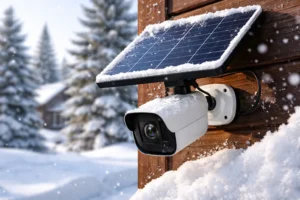
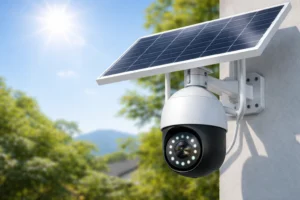
For solar-powered cameras, placement needs two things: a useful viewing angle and reliable sunlight. Do not install a solar camera under heavy shade unless the panel can be positioned separately in better light.
Also consider connectivity. If the camera uses Wi-Fi, check signal strength. If it uses cellular connectivity, check mobile coverage in that exact location.
The best location is not just where the sun hits. It is where security, power, and signal work together.
Wired, Wireless, and Solar CCTV: Does Camera Type Change the Count?
Camera type does not usually change how many CCTV cameras you need. It changes where you can place them.
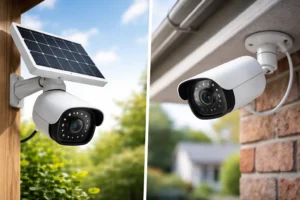
A wired camera system may be reliable, but wiring can limit placement or raise installation costs. A wireless system is easier to install, but still needs power unless it is battery or solar powered. A solar CCTV camera can work well outdoors, especially in areas where cable runs are difficult.
Here is a simple comparison.
| Camera Type | Best For | Planning Note |
| Wired CCTV | Permanent home systems | Strong reliability, but cable routes matter |
| Wireless CCTV | Flexible home coverage | Easier setup, but power and Wi-Fi still matter |
| Solar CCTV | Outdoor or remote areas | Great for gates, sheds, driveways, and hard-to-wire spots |
| Battery CCTV | Temporary or flexible use | Battery maintenance must be considered |
The camera count should still be based on coverage zones. Start there. Then choose the camera type that fits each location.
Example CCTV Camera Plans
Sometimes it helps to see the numbers in real life. Here are practical examples.
Small Apartment: 1–2 Cameras
A small apartment may only need:
- Front door camera
- Indoor entry hallway camera
If the building already has shared cameras in the lobby, elevator, and parking area, you may not need much more.
Best goal: monitor entry and confirm visitors.
Townhouse: 3–5 Cameras
A townhouse may need:
- Front door
- Back door
- Driveway or parking space
- Side passage if available
- Entry hallway
Townhouses often have narrower layouts, so placement matters. One camera at the front and one at the rear can cover a lot, but side access may require another camera.
Best goal: cover both entrances and movement paths.
Detached Home: 4–6 Cameras
A detached home commonly needs:
- Front door
- Driveway or garage
- Back door
- Backyard or garden
- Left side passage
- Right side passage
This setup is often the answer for homeowners asking how many CCTV cameras they need for a standard house. Four may work for basic coverage. Six is usually stronger for balanced coverage.
Best goal: reduce blind spots around the full home exterior.
Large or Multi-Storey Home: 7–10+ Cameras
A larger home may need:
- Front door
- Driveway
- Garage
- Back door
- Backyard
- Side passages
- Gate
- Upper-floor approach or balcony
- Shed or outbuilding
- Wide overview camera
Large properties usually need more than one angle outdoors. A single backyard camera may not cover the patio, rear gate, and shed clearly at the same time.
Best goal: create layered visibility.
How to Use the Calculator Results
The calculator gives you a practical estimate. Use it as a starting plan.
After you get your result, walk around the property and compare each suggested location to the real layout.
Ask these questions:
- Can the camera see the full approach?
- Will trees, walls, cars, or fences block the view?
- Is the camera too high to capture faces clearly?
- Is there enough light at night?
- Is there power or sunlight available?
- Is the Wi-Fi or cellular signal strong enough?
- Does the camera avoid neighboring private areas?
- Would a second angle be more useful than a wider lens?
If the calculator recommends four cameras but your property has a long side passage and a detached shed, you may need five or six. If it recommends six but two areas are already covered by one clear wide-angle view, you may need fewer.
That is normal.
A camera plan should be adjusted to the property, not forced into a fixed number.
How Many CCTV Cameras Are Too Many?
Yes, you can install too many cameras.
Too many cameras can create higher costs, more alerts, more maintenance, more footage to review, and more privacy concerns. It can also make the system harder to manage.
A better plan is cleaner.
Every camera should have a purpose. If you cannot explain what a camera is supposed to capture, it may not be needed.
Good reasons to add a camera:
- It covers an entrance
- It removes a blind spot
- It protects a vehicle or asset
- It watches a remote area
- It provides a better identification angle
- It supports another camera with overlapping coverage
Weak reasons to add a camera:
- It fills empty wall space
- It duplicates the same view
- It looks impressive
- It was included in a bundle
- It covers an area with no real security value
When planning how many CCTV cameras to buy, avoid thinking like a collector. Think like a designer.
A Simple Step-by-Step CCTV Planning Method
Here is a practical method you can use before buying anything.
Step 1: List Every Entry Point
Write down every way someone can enter or approach the property.
Include doors, gates, garages, side paths, balconies, garden access, and outbuildings.
Step 2: Mark Your Valuable Areas
Now list what you want to protect.
This may include vehicles, tools, packages, outdoor furniture, business equipment, farm supplies, or storage rooms.
Step 3: Find the Blind Spots
Walk the property during the day and again at night.
Look for dark corners, hidden paths, fence gaps, covered porches, and areas blocked by walls, plants, or parked cars.
Step 4: Choose Your Coverage Level
Pick one:
Essential for main access points
Balanced for access points and blind spots
Complete for wide, layered, or overlapping coverage
Most homeowners should start with balanced coverage.
Step 5: Match Each Camera to a Job
Do not place cameras randomly.
- Camera 1: front door
- Camera 2: driveway
- Camera 3: back door
- Camera 4: side passage
- Camera 5: backyard
- Camera 6: shed or gate
Now the system has structure.
Step 6: Check Power, Sunlight, and Signal
Before installation, confirm the practical details.
- Can it be powered?
- Can it connect?
- Can it record clearly at night?
- Can it survive weather?
- Can it be mounted securely?
This is especially important for outdoor and solar CCTV cameras.
Final Thoughts: Start With the Right Areas, Not the Highest Number
The best CCTV system is not the biggest one. It is the one that shows the right areas clearly.
So, how many CCTV cameras do you need? For many homes, the answer is between two and eight. Smaller apartments may need one or two. Townhouses often need three to five. Detached homes usually need four to six. Larger homes, gates, sheds, and wide outdoor spaces may need eight or more.
But the number is only part of the decision.
Start with your entry points. Add blind spots. Protect valuable areas. Use solar CCTV cameras where wiring is difficult. Keep privacy in mind. Then use the calculator to create a starting plan you can refine before installation.
That is how you build a CCTV setup that actually works.
Not just more cameras.
Better coverage.
FAQs About How Many CCTV Cameras You Need
Most standard houses need four to six CCTV cameras for balanced coverage. This usually includes the front door, driveway, back door, backyard, and side access points.
A small apartment may only need one or two cameras. A front door camera and an indoor entry camera are often enough for basic monitoring.
One CCTV camera can be enough for a front door if it captures visitors, packages, and the entry area clearly. However, it will not cover the driveway, back door, or side areas.
Indoor cameras are optional. They can be useful for entry hallways, stairs, living areas, or storage rooms, but they should never be placed in private spaces.
Outdoor CCTV cameras should usually cover the front door, driveway, garage, back door, side passages, backyard, gates, and sheds. Start with the areas where people are most likely to approach.
Yes. Solar CCTV cameras can make installation easier in outdoor areas where wiring is difficult, such as gates, sheds, gardens, driveways, and remote boundaries.
Not always. Covering every corner can be expensive and unnecessary. Focus on entry points, blind spots, and valuable areas first.
Many driveways need one camera, but long or wide driveways may need two. One can provide a general overview, while another focuses on the garage, vehicle area, or entrance.
Balanced coverage is best for most homes because it covers main access points and common blind spots without overcomplicating the system.
A CCTV camera calculator gives a strong planning estimate, but the final number depends on your layout, camera angles, lighting, field of view, power source, and privacy rules.