Some links on this page are affiliate links. If you buy through them we may earn a commission at no extra cost to you. How we stay independent.
Quick answer
- Use 4G LTE cameras if there is cell signal. Satellite internet works but draws tens of watts, far more than a camera.
- Size for winter: short days, low sun and snow-covered panels are what kill cabin cameras.
- Cover the driveway or access track and the main door first.
- Indoor cameras can run from a portable power station or a 12 V battery with a small panel.
- Every visit: clear snow and leaves from panels, wipe lenses, check mounts and microSD.
The challenge: no power, no internet, nobody around
Cabins are empty most of the year, often at the end of a long road, and frequently off the grid. Break-ins at remote cabins can go unnoticed for weeks, and a burst pipe, fallen tree or bear damage can do the same. Good remote cabin security is about knowing early.
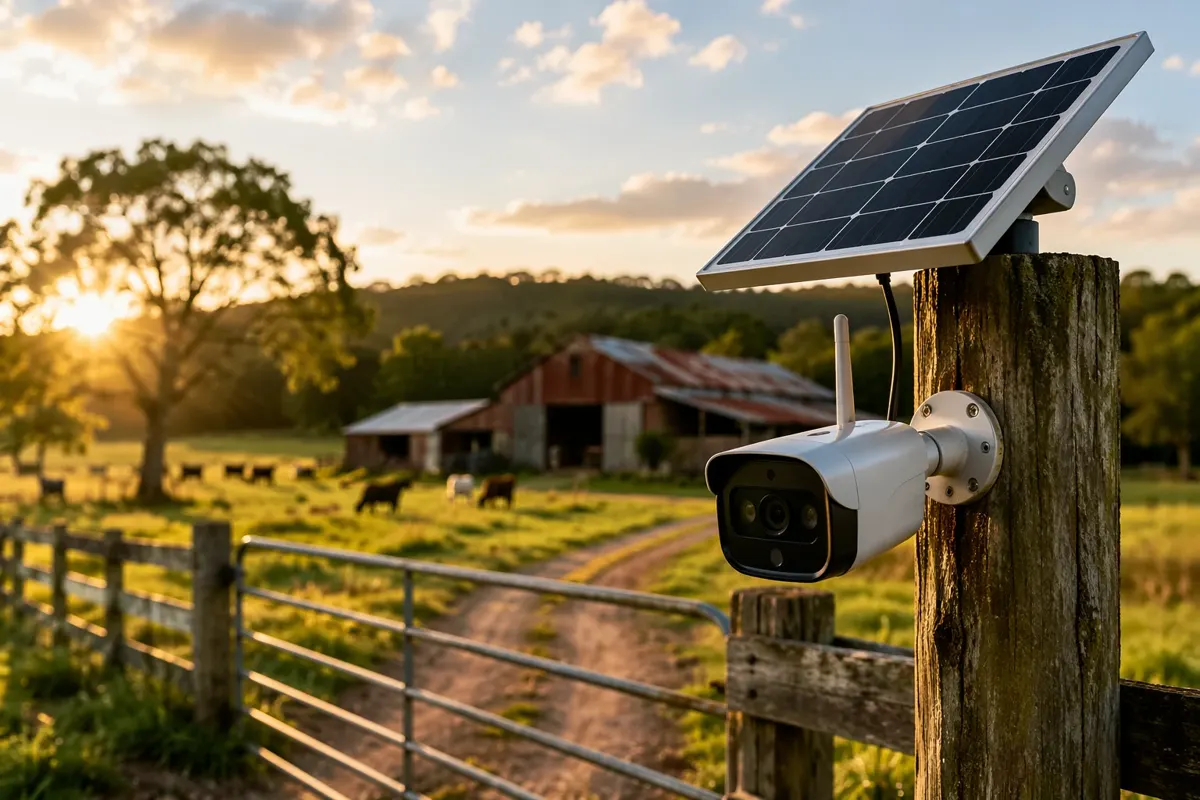
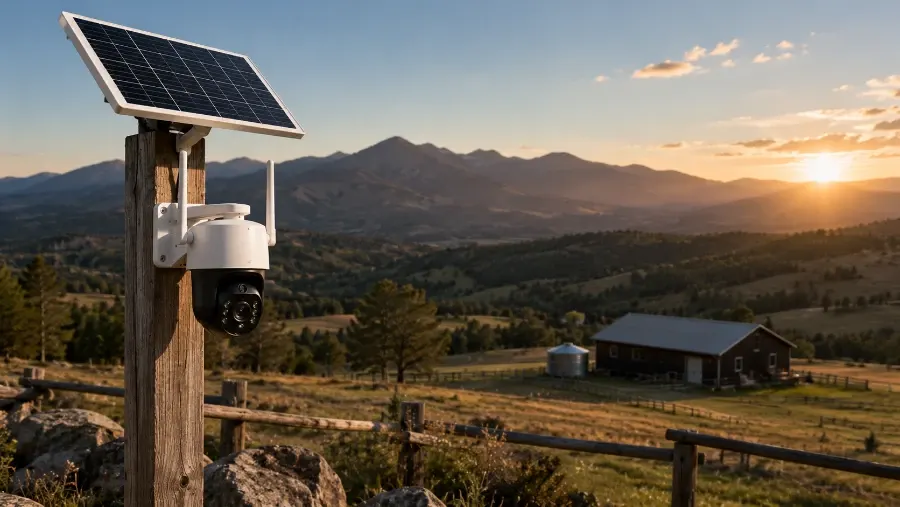
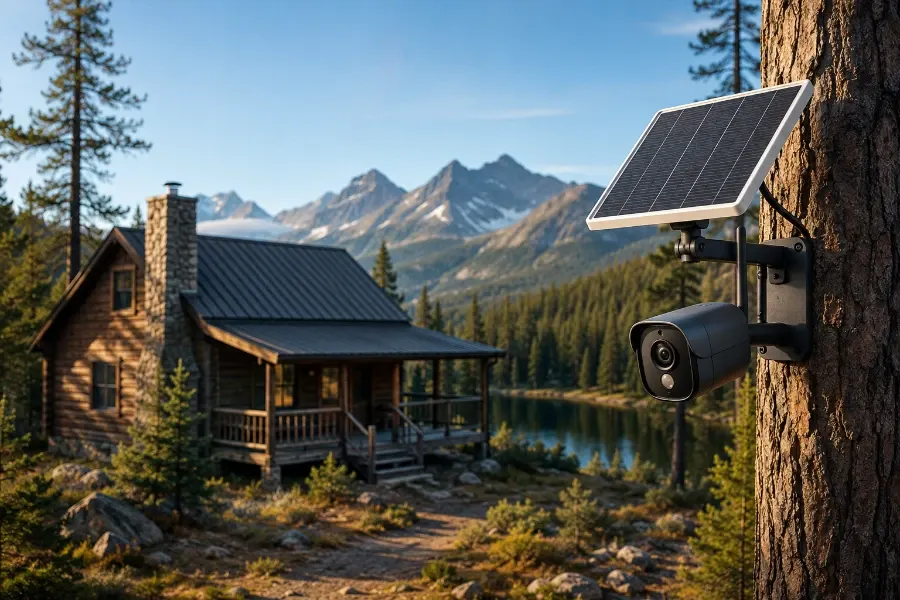
A normal home camera assumes an outlet and Wi-Fi. A cabin has neither, so you need a camera that brings its own power (solar panel and battery) and its own connection (cellular). That combination is exactly what a remote cabin solar camera provides. For the basics of how these cameras store and use energy, see how solar cameras work.
If your cabin sits on a larger parcel of land you also want to watch, our guide to solar cameras for rural property covers vacant land and gates in more depth.
Cabin security camera with no power: how it works
A cabin security camera with no power supply runs on a lithium battery charged by a small panel, typically 3–6 W (some kits 10–20 W). It sleeps until its PIR motion sensor detects a warm moving body, then wakes, records a clip to microSD, and uploads it over 4G. Because it is asleep most of the time, average draw is low enough for a small panel to keep up in good conditions.
The weak points are the battery in cold weather, the panel in winter shade or snow, and the cellular link. Each of the sections below deals with one of those.
Cellular vs satellite internet at a cabin
Connectivity decides what kind of camera you can use. Your realistic choices are 4G cameras, a satellite internet system, or local-only recording.
| Option | Typical power draw | Runs from camera solar? | Best for |
|---|---|---|---|
| 4G LTE camera (built-in modem) | Low on average; a few Wh/day on light duty | Yes | Most cabins with any usable cell signal |
| Satellite internet (dish + router) | Often tens of watts continuously | No; needs a large solar system | Cabins already powered for satellite; occupied stays |
| Cellular router with Wi-Fi cameras | Router a few watts continuously | No; needs its own panel and battery | Several cameras at one cabin with good signal |
| Local-only (microSD, no connection) | Very low | Yes | No signal at all; review footage on visits |
The power budget is the key point. A satellite dish running 24/7 at 50 W uses about 1,200 Wh a day, which is hundreds of times what a sleeping camera uses. If your cabin has a substantial off-grid solar system for satellite internet, Wi-Fi cameras can piggyback on it. If not, a 4G camera with its own panel is far simpler. Our guide on whether solar cameras need Wi-Fi explains the trade-offs.
Checking cell signal at the cabin
Test at the exact mounting spot with a phone on the carrier you plan to use. Hold the phone at mounting height and check upload speed and signal strength. Cabins in valleys and thick forest often have weak signal at ground level but usable signal 4 m up or on the side of the building facing the tower. Read our SIM card solar camera review for what to look for in a cellular model, and estimate data with the 4G data and storage calculator.
Off-grid cabin camera power in winter
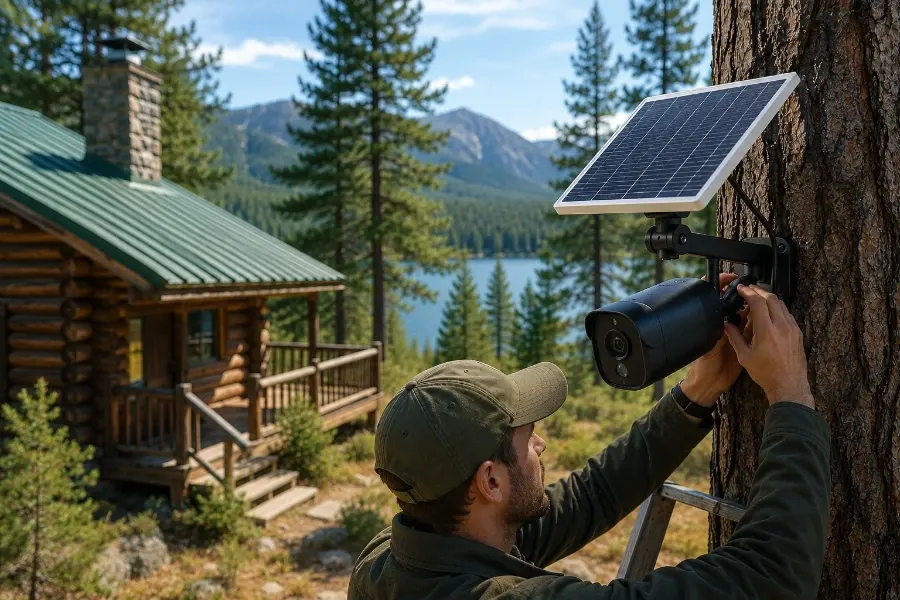
Winter is where an off grid cabin camera is most likely to fail, and often when a cabin is most at risk because nobody visits. Four things work against you:
- Short days. Northern US winters often give 2–3 peak sun hours a day, versus 4–6 in summer.
- Low sun angle. The sun stays low in the southern sky, so trees and ridges that do not shade the panel in summer may block it all winter. The NOAA solar calculator shows the sun’s elevation for your location and date.
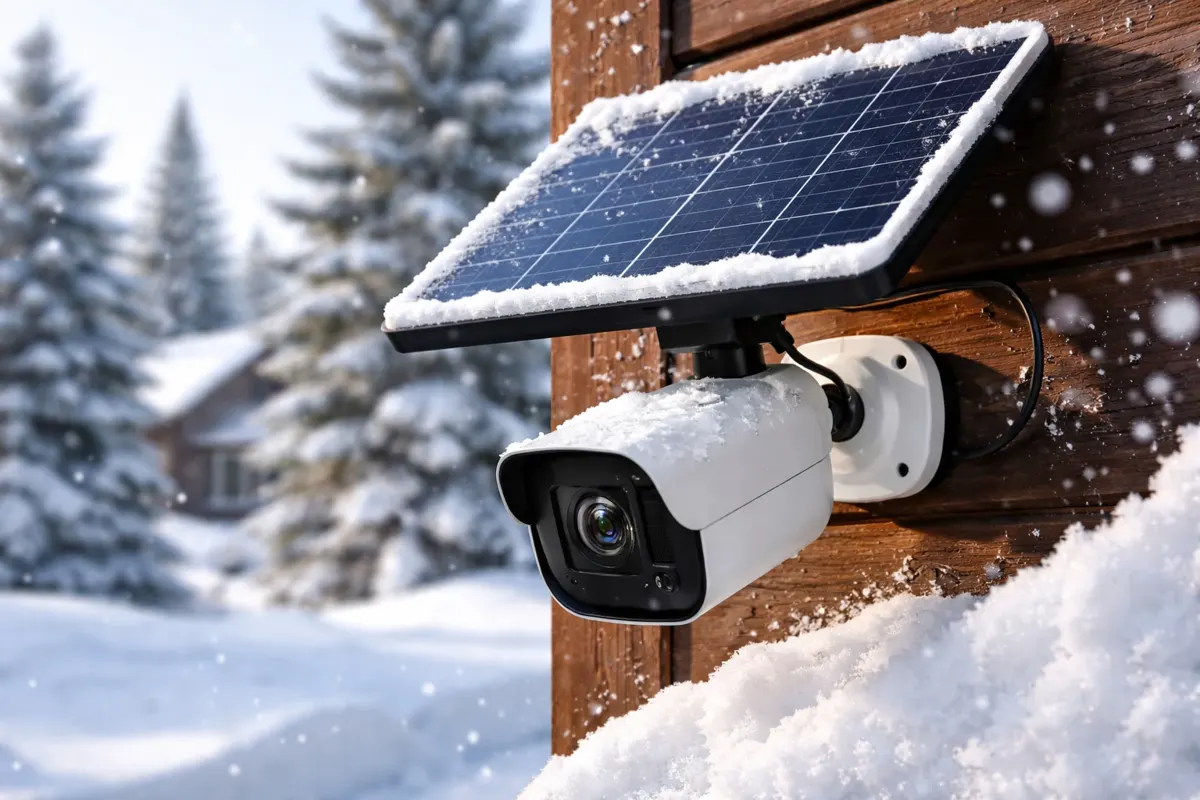
- Snow on the panel. A panel under snow produces almost nothing. Snow load on a flat-mounted panel also stresses brackets.
- Cold batteries. Many lithium camera batteries stop accepting charge below about 0 °C (32 °F), and all lose usable capacity in the cold.
Tilt the panel steeply, around your latitude plus 15° or more, so snow slides off. Mount the camera body under the eave so it is sheltered from wind and stays a little warmer. Choose an external panel over a built-in one so you can place it in the sunniest spot. Use the solar panel angle calculator for the exact winter tilt.
Then check the energy math with the solar camera battery calculator: plug in your location, camera battery and panel size to see whether the system can ride through a week of cloud. Our full guide to solar cameras in winter covers cold charging in detail, and battery life with no sun covers long overcast stretches.
Choosing a remote cabin solar camera: features that matter
Most camera spec sheets are written for suburban porches. At a cabin, a different set of features decides whether the camera is still working in February.
- Cellular modem and band support. The camera must support the LTE bands your carrier uses locally. Check this before buying, not after.
- External panel option. A panel on a 3–5 m cable can sit on the sunny side of the roof or a pole in a clearing while the camera stays under the eave.
- Large battery. More stored energy means more days of reserve when the panel is snowed over. Larger 4G models often carry bigger packs than Wi-Fi cameras.
- Operating temperature range. Look at the low end. A camera rated to −20 °C (−4 °F) will run in the cold, even if it cannot charge until it warms.
- Local microSD recording. Essential when signal is patchy. It also means you have the full-quality clip even if the upload was compressed.
- On-camera person and vehicle detection. Saves battery, data and your attention. Check whether it needs a subscription.
- Remote battery reporting. Being able to see the battery trend in the app tells you a problem is coming weeks before the camera goes dark.
Compare camera categories in our best solar security cameras guide.
Typical remote cabin setups
| Cabin situation | Suggested setup | Typical hardware cost |
|---|---|---|
| Weekend cabin, good 4G signal | 2 outdoor 4G solar cameras (track + door) | $300–700 + data |
| Hunting cabin, weak signal | 1 outdoor 4G camera at highest-signal spot + local-only camera at door | $250–600 + data |
| Cabin with off-grid solar and satellite internet | Wi-Fi solar cameras outside + 1 indoor camera on house power | $250–600 |
| No signal at all | Local-recording cameras, reviewed on visits; hidden backup camera | $150–400 |
Prices are typical US retail at time of writing (late 2026).
Indoor vs outdoor cameras at a cabin
Outdoor cameras tell you someone arrived. An indoor camera tells you whether they got in, and also catches non-crime problems: a broken window, water on the floor, an animal inside.
Outdoor
Outdoor solar cameras handle the approach: driveway, main door, and any outbuilding or shed. Mount 3–4 m high under the eaves. These carry their own power, so they are the backbone of the system.
Indoor
Indoor cameras cannot charge from sunlight through a window very well, and most indoor models expect a USB or plug-in power supply. At an off-grid cabin you have three options:
- Battery camera recharged on visits. A battery indoor camera that only wakes on motion can last weeks to months on one charge if nothing triggers it. That is often exactly the case at an empty cabin.
- Small solar generator (portable power station). A 500–1,000 Wh power station with a 100–200 W panel outside can run a low-power USB camera (often 2–4 W continuous, around 50–100 Wh a day) for days without sun and indefinitely with sun. Check whether the station can charge and discharge at the same time (pass-through charging), and remember that many stations also dislike charging below freezing.
- Existing cabin solar system. If the cabin already has a 12 V solar and battery bank, a 12 V or USB camera can run from it, as long as the system is left on while you are away.
An indoor camera on Wi-Fi needs a network, which brings back the router power problem. The simplest indoor option is often a 4G camera mounted inside, with its panel outside on an extension cable through a wall or window frame.
Hunting cabin security camera placement
A hunting cabin security camera setup has the same core needs as any remote cabin, with a few extras: the cabin may sit empty for 10 months a year, the access track may be shared or unofficial, and nearby trails see other hunters and wildlife.
| Location | Why | Priority |
|---|---|---|
| Access track or gate | Earliest warning; captures vehicles and plates | 1 |
| Main door | Identifies anyone who approaches the cabin | 2 |
| Back door / windows on the hidden side | Break-ins often happen where they cannot be seen from the track | 3 |
| Shed, ATV storage, generator | High-value, easily carried items | 3 |
| Interior main room | Confirms entry and damage | 4 |
Use the CCTV camera planner to count cameras for your layout, and if you want a phone alert the moment a vehicle comes up the track, see driveway alerts on your phone.
Notifications from remote areas
Alerts from a cabin camera travel camera → cell tower → camera company server → your phone. Delays creep in at each step, especially with weak signal. A few seconds is normal; in fringe coverage it can be a minute or more, and a clip may arrive in pieces or not at all.
- Reduce clip length. Shorter clips upload faster on weak signal.
- Use person and vehicle detection. Fewer junk alerts means you actually look at the real ones.
- Lower resolution if needed. Some cameras let you upload at a lower resolution while saving full quality to microSD.
- Share access with a neighbor. Someone 10 minutes away can check on an alert far faster than you can from home.
Protecting the cabin from break-ins and wildlife
Cameras work best as part of a layered setup. Visible cameras and a sign at the gate deter casual visitors. Motion-activated solar lights at the door make anyone arriving after dark feel exposed. Solid doors, window bars or shutters and a locked gate slow them down. The camera documents whatever gets through.
Wildlife is the other threat. Bears in particular can break into cabins that smell of food. A camera will not stop a bear, but footage helps you understand what happened and fix the weak point. Expect wildlife to trigger outdoor cameras often; activity zones and lower PIR sensitivity reduce the noise. Raccoons, squirrels and woodpeckers sometimes damage cameras and cables, so keep cables short and tucked behind brackets.
Use security screws or a lock box, mount high, and make sure clips upload immediately. A camera removed by an intruder takes its microSD card with it.
Recommended gear
Reolink Go PT Ultra + Solar Panel 2
- 4K
- 4G LTE (nano SIM)
- Pan & tilt
- 6 W panel
- microSD
Cellular pan-tilt camera for farms, gates and job sites with no Wi‑Fi. Needs a data plan on a supported carrier.
View on AmazonPortable power station (300–500 Wh)
- 300–500 Wh
- AC + USB-C outputs
- Solar input
- Portable
Runs plug-in cameras, a hotspot or a router for a weekend at a campsite or cabin, and recharges from a folding panel.
View on Amazon12 V 100 Ah LiFePO4 battery
- 12.8 V
- ~1.28 kWh
- Built-in BMS
- Thousands of cycles
Stores several days of power for multi-camera or 24/7 systems. Choose one with low-temperature charge protection in cold climates.
View on AmazonAffiliate links. Prices, bundles and specs change, so confirm compatibility on the listing.
Maintenance visits: a simple checklist
A remote cabin solar camera needs little attention between trips, but ten minutes on each visit keeps it reliable through the seasons and catches small problems before they leave you blind for months.
- Clean panels
Brush off snow, pine needles, pollen and bird droppings. A dirty panel can lose a large share of its output.
- Wipe lenses
Spider webs and dust scatter infrared light at night and cause false triggers.
- Check mounts and angles
Wind, snow and animals shift brackets. Re-aim the panel for the coming season.
- Check microSD and firmware
Confirm recording works and update firmware while you are there.
- Trim vegetation
Summer growth can shade panels and trigger motion by swaying in the view.
If a camera stops charging between visits, our solar camera not charging guide walks through the likely causes.
Frequently asked questions
What is the best camera for a remote cabin with no power?
A 4G LTE solar camera is usually best. It runs on its own battery and panel and connects over the cellular network, so it needs neither grid power nor Wi-Fi. Pick one with an external panel for flexible placement and microSD recording so footage is saved even when the signal drops.
Can I use Starlink to run cameras at my cabin?
You can, but satellite internet draws tens of watts continuously, often over 1,000 Wh a day, so it needs a substantial off-grid solar system. If the cabin already has that, Wi-Fi cameras can use it. If not, 4G cameras with their own panels are much simpler and more reliable.
Will a solar camera work at my cabin in winter?
It can, if you plan for winter. Expect 2–3 peak sun hours in northern states, tilt the panel steeply so snow slides off, keep it clear of tree shade from the low winter sun, and choose a camera with enough battery to survive a week of cloud. Many lithium batteries will not charge below freezing.
How do I power an indoor camera at an off-grid cabin?
Options include a battery camera that only wakes on motion and is recharged on visits, a portable power station with a solar panel outside, or the cabin’s existing 12 V solar system. Another approach is a 4G solar camera mounted inside with its panel outside on an extension cable.
How fast will I get alerts from a cabin camera?
Usually within a few seconds on good signal. In fringe coverage alerts can take a minute or more, and clips may upload slowly. Shorter clips, person detection and lower upload resolution help. Sharing access with a nearby neighbor is the fastest way to get someone to respond.
Do cameras stop bears and wildlife from damaging a cabin?
No, cameras only record what happens. They help you understand how an animal got in so you can reinforce doors, windows or food storage. Expect wildlife to trigger outdoor cameras often; use activity zones, lower sensitivity and person detection to cut false alerts.