Do solar security cameras need WiFi? That’s the question I hear over and over again—and for good reason. These cameras promise flexibility, off-grid convenience, and lower energy costs. But connectivity? That’s where things get confusing fast.
Some people assume WiFi is mandatory. Others think solar cameras work entirely on their own. The truth sits somewhere in between.
If you’re planning to install one—whether for a home, business, or remote property—you need clarity before you buy. Because choosing the wrong type could leave you with a camera that works… but not the way you expected.
Let’s break it all down. Simple. Practical. No fluff.
What Are Solar Security Cameras?
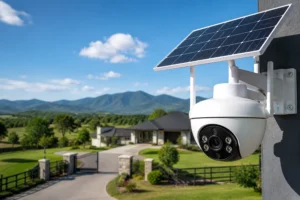
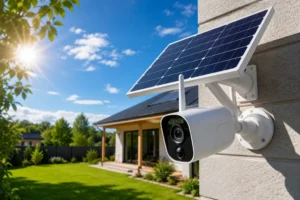
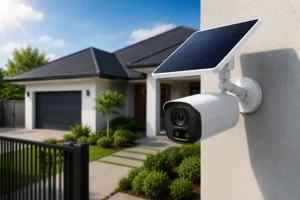
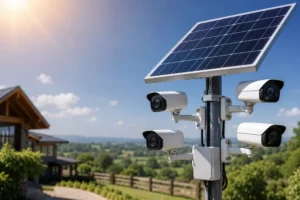
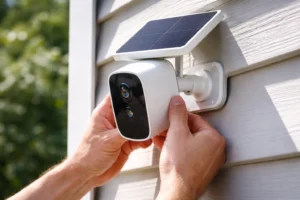
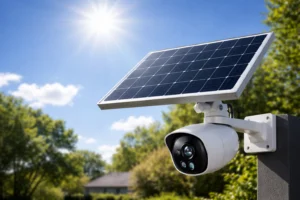
At their core, solar security cameras are surveillance devices powered by sunlight. That’s the big differentiator.
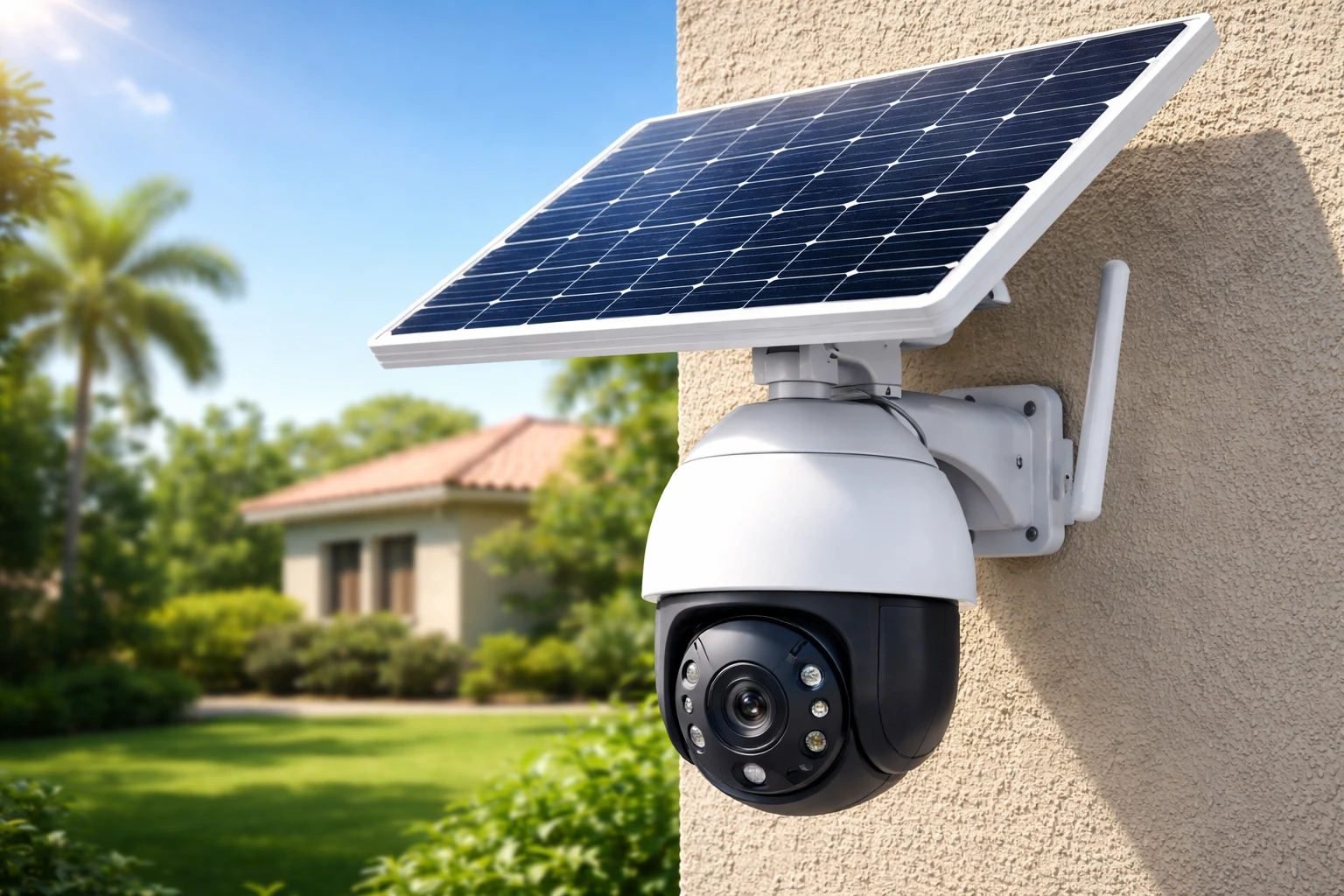
Instead of relying on wired electricity, these systems use solar panels to generate energy, which is then stored in rechargeable batteries. The result? A self-sustaining security solution that can operate almost anywhere.
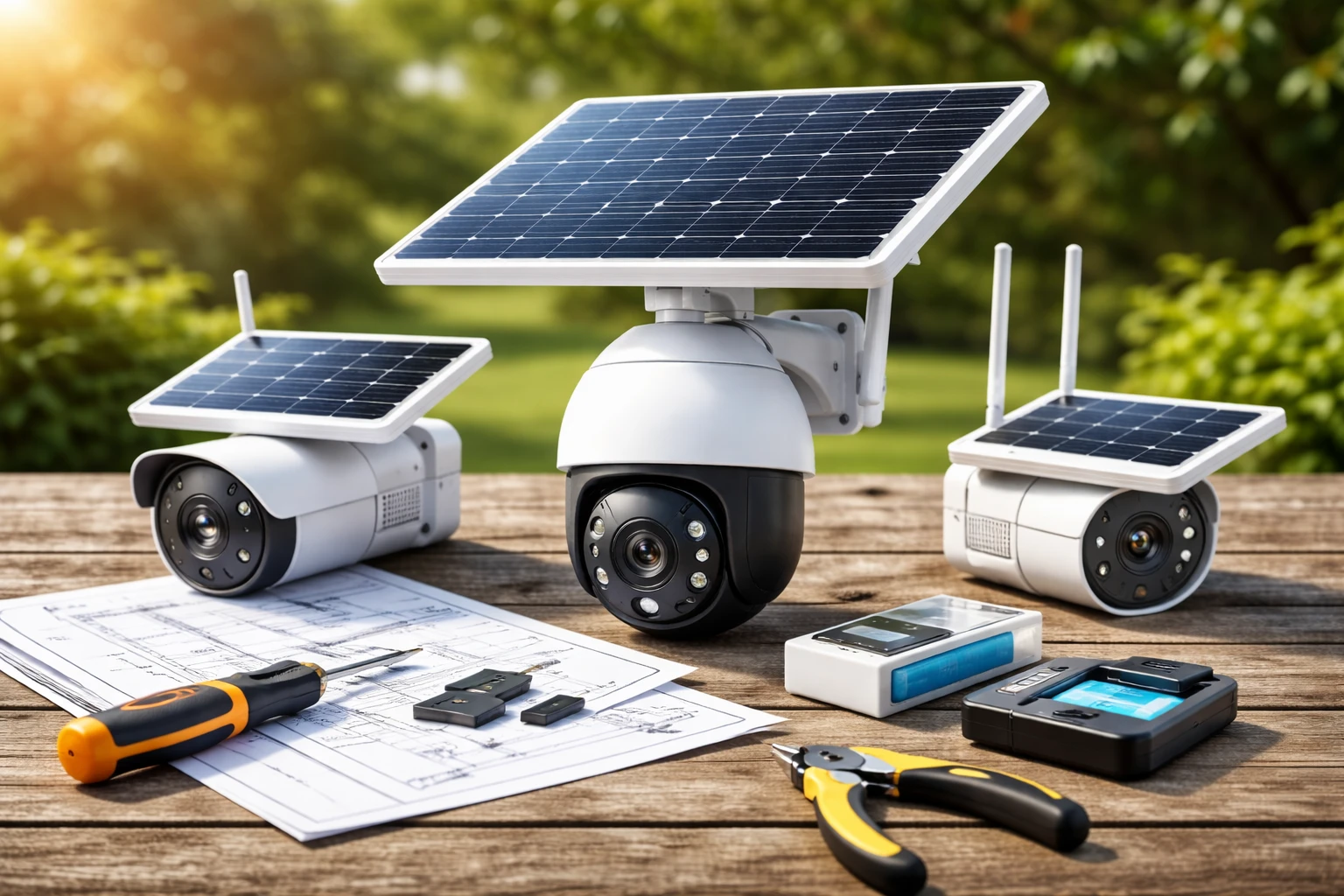
Typical components include:
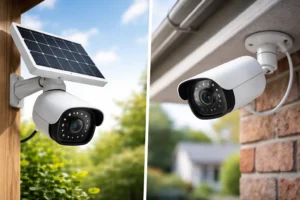
- A solar panel (mounted separately or built-in)
- Rechargeable battery
- Camera unit with lens and sensors
- Storage system (cloud or local)
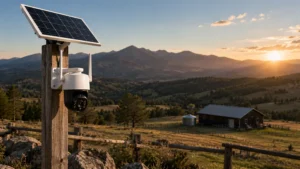
They’re especially useful in places where running power cables is impractical. Think farms, construction sites, vacation homes, or even large backyards.
How Solar Security Cameras Function
Here’s where things get interesting.
During the day, the solar panel absorbs sunlight and converts it into electricity. That energy charges the internal battery. At night—or during cloudy weather—the camera runs on stored power.
Most modern systems are smart. They don’t record continuously. Instead, they use motion detection to trigger recording. That saves power and storage space.
Key functions include:
- Motion-triggered recording
- Night vision capability
- Mobile alerts (if connected)
- Video storage (local or cloud)
So yes, they’re efficient. But efficiency doesn’t automatically mean independence from connectivity. And that’s where the WiFi question comes in.
Do Solar Security Cameras Need WiFi? (The Straight Answer)
Let’s cut through the noise.
Do solar security cameras need WiFi? No, not always.
They can function without WiFi. They can record footage. And they can detect motion. They can store video.
But—and this is a big one—WiFi determines how you access and interact with that footage.
Here’s the distinction:
- Without WiFi: The camera works, but access is limited
- With WiFi: You get remote viewing, alerts, and smart features
So the real question isn’t just do solar security cameras need WiFi—it’s what level of control and convenience you want.
Solar Security Cameras That Work Without WiFi
Not every setup needs internet access. In fact, some are designed specifically for off-grid use.
1. Local Storage Cameras
These cameras store footage directly on a memory card or internal storage.
How it works:
- Motion is detected
- Video is recorded
- Footage is saved locally
To access the footage, you typically remove the SD card or connect directly to the device.
Pros:
- No internet required
- No monthly fees
- More privacy
Cons:
- No real-time alerts
- Manual access required
- Risk of losing footage if camera is stolen
2. Cellular (4G/5G) Solar Cameras
These are a game-changer for remote monitoring.
Instead of WiFi, they use a SIM card—just like your phone. That means they connect to cellular networks.
Best for:
- Farms
- Remote cabins
- Construction sites
Pros:
- Works anywhere with cellular coverage
- Real-time alerts and remote access
- No WiFi dependency
Cons:
- Requires a data plan
- Ongoing monthly cost
Solar Security Cameras That Require WiFi
Now let’s talk about the connected experience.
1. Cloud-Based Cameras
These cameras rely on WiFi to upload footage to cloud storage.
What you get:
- Access from anywhere
- Instant alerts
- Backup storage
You’ll typically use a mobile app to view live footage or review recordings.
Trade-off: Many require a subscription.
2. Smart Home Integration
If you want your camera to connect with apps or ecosystems, WiFi is essential.
Think:
- Mobile notifications
- Live streaming
- Voice assistant integration
This is where solar cameras feel modern. Seamless. Convenient.
Key Differences: WiFi vs. No WiFi Solar Cameras
Here’s a quick comparison to make things crystal clear:
| Feature | With WiFi | Without WiFi |
| Remote Access | Yes | No |
| Alerts | Real-time notifications | None |
| Storage | Cloud + local | Local only |
| Setup Complexity | Moderate | Simple |
| Monthly Costs | Possible subscription | None |
| Ideal Use Case | Homes, offices | Remote/off-grid locations |
Pros of Using Solar Security Cameras Without WiFi
There’s a certain freedom here.
- Perfect for remote areas – No internet? No problem
- Lower long-term costs – No subscriptions or data plans
- Greater privacy – No cloud uploads
If your goal is simple recording without constant monitoring, this setup works.
Cons of Not Using WiFi
But let’s be honest. There are limitations.
- No live viewing
- No instant alerts
- Manual footage retrieval
If something happens, you won’t know until you physically check.
That’s a risk in some situations.
Pros of Using WiFi-Enabled Solar Cameras
This is where things feel powerful.
- Real-time alerts – Know instantly when motion is detected
- Remote monitoring – Check your property from anywhere
- Cloud backup – Footage stays safe even if the camera is damaged
For most homeowners, this level of control is worth it.
Cons of WiFi-Dependent Cameras
Nothing is perfect.
- Requires stable internet
- Possible subscription fees
- Slightly more complex setup
If your WiFi is unreliable, your camera performance will suffer.
Best Use Cases for Each Type
Let’s make this practical.
When You Don’t Need WiFi
- Remote farmland
- Temporary job sites
- Areas with no internet access
In these cases, the answer to do solar security cameras need WiFi is clearly no.
When WiFi Is Recommended
- Residential homes
- Apartment buildings
- Retail or office spaces
If security and immediate awareness matter, WiFi makes a big difference.
Important Features to Consider Before Buying
Before you decide, evaluate these carefully:
Battery and Solar Efficiency
- Look for high-capacity batteries
- Ensure the panel gets enough sunlight
Storage Options
- Local (SD card) vs cloud
- Hybrid systems offer flexibility
Connectivity
- WiFi, cellular, or both
- Choose based on your location
Camera Quality
- HD or 4K resolution
- Night vision performance
Durability
- Weather resistance rating (IP65 or higher recommended)
Installation Tips for Solar Security Cameras
A great camera in the wrong spot won’t help you.
Here’s what I recommend:
- Maximize sunlight exposure – South-facing is usually best
- Avoid obstructions – Trees, walls, and debris reduce efficiency
- Position for coverage – Entry points, driveways, and blind spots
- Test connectivity – Especially for WiFi or cellular models
Take time during setup. It pays off.
Common Myths About Solar Security Cameras
Let’s clear up a few misconceptions.
“They always need WiFi.”
False. As you now know, do solar security cameras need WiFi depends on how you plan to use them.
“They don’t work at night.”
They do. Stored battery power keeps them running.
“Solar power is unreliable.”
Modern systems are surprisingly efficient—even in less sunny conditions.
Final Thoughts
So, do solar security cameras need WiFi? Not necessarily.
They can operate without it. Record without it. Even secure your property without it.
But if you want convenience, control, and real-time awareness, WiFi changes everything.
The best choice comes down to your environment. Your expectations. Your tolerance for limitations.
Think about how you’ll actually use the camera. Not just how it works on paper.
Make that decision carefully—and you’ll end up with a system that truly works for you.
FAQs
No, they can record video without WiFi by storing footage locally on an SD card or internal storage.
No, remote viewing requires either WiFi or a cellular connection to access the camera from your phone.
Most cameras will continue recording locally, but you won’t receive alerts or access live footage until the connection is restored.
They’re better for remote areas without internet, but they usually require a monthly data plan.
Yes, they use stored battery power and typically include night vision for low-light conditions.
No, but it provides convenient backup and remote access compared to local storage options.
A stable connection with at least 2–5 Mbps upload speed is generally enough for smooth performance.
Yes, as long as the battery is adequately charged, they can operate for several days without direct sunlight.
Like any connected device, there’s a risk, but using strong passwords and secure networks greatly reduces it.
A solar security camera with local storage or a cellular (4G/5G) connection is the best choice.