Some links on this page are affiliate links. If you buy through them we may earn a commission at no extra cost to you. How we stay independent.
Quick answer
- A solar camera with vehicle detection plus an activity zone on the driveway gives alerts with a clip attached.
- A solar driveway alarm (PIR or buried magnetic probe) detects cars at the entrance, often further out than a camera can reach.
- Combining both gives an early warning plus a video of who it was.
- Long driveways: use a 4G camera at the gate or long-range (LoRa-type) sensors instead of stretching Wi-Fi.
- Expect a few seconds of delay on camera alerts; battery cameras wake, record and upload before notifying.
Three ways to get driveway alerts on your phone
There are really three setups, and which one fits depends on driveway length, traffic nearby and whether you want video of every arrival.
| Setup | How it detects | Phone alert | Video | Best for |
|---|---|---|---|---|
| Solar camera with AI detection | PIR wakes camera; AI classifies vehicle or person | App push notification | Yes, clip with alert | Short to medium driveways near Wi-Fi |
| Driveway alarm sensor (PIR) | Heat-motion beam across the drive | Receiver chime, or app if Wi-Fi model | No | Simple, cheap early warning |
| Driveway alarm (buried magnetic probe) | Detects moving metal (vehicles only) | Receiver chime, or app if Wi-Fi model | No | Ignoring people and animals, busy wildlife areas |
| Combined sensor + camera | Sensor triggers at entrance; camera records near house or at gate | Both | Yes | Long driveways, rural property |
| 4G solar camera at the gate | On-camera AI, cellular upload | App push notification | Yes | Entrances beyond Wi-Fi range |
Option 1: Solar driveway camera with vehicle detection
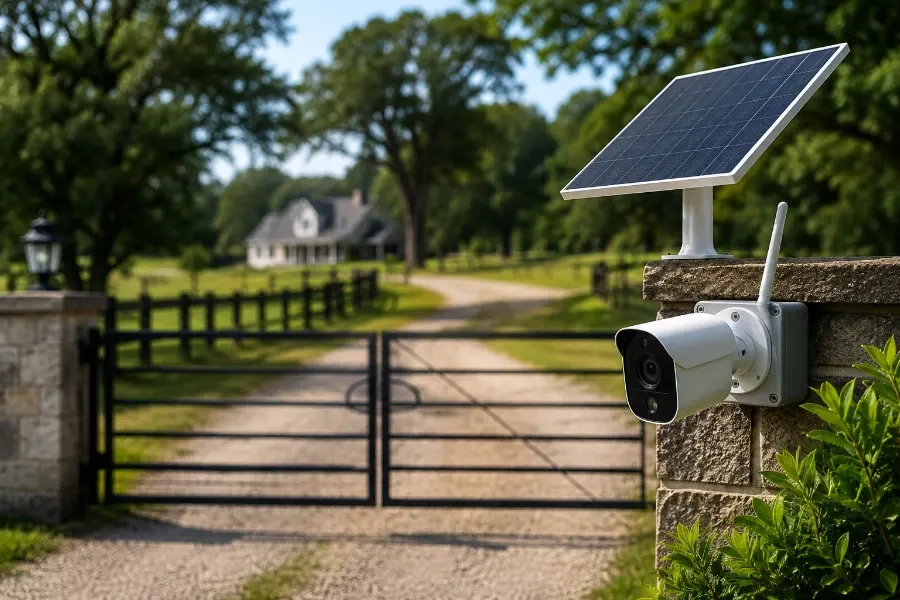
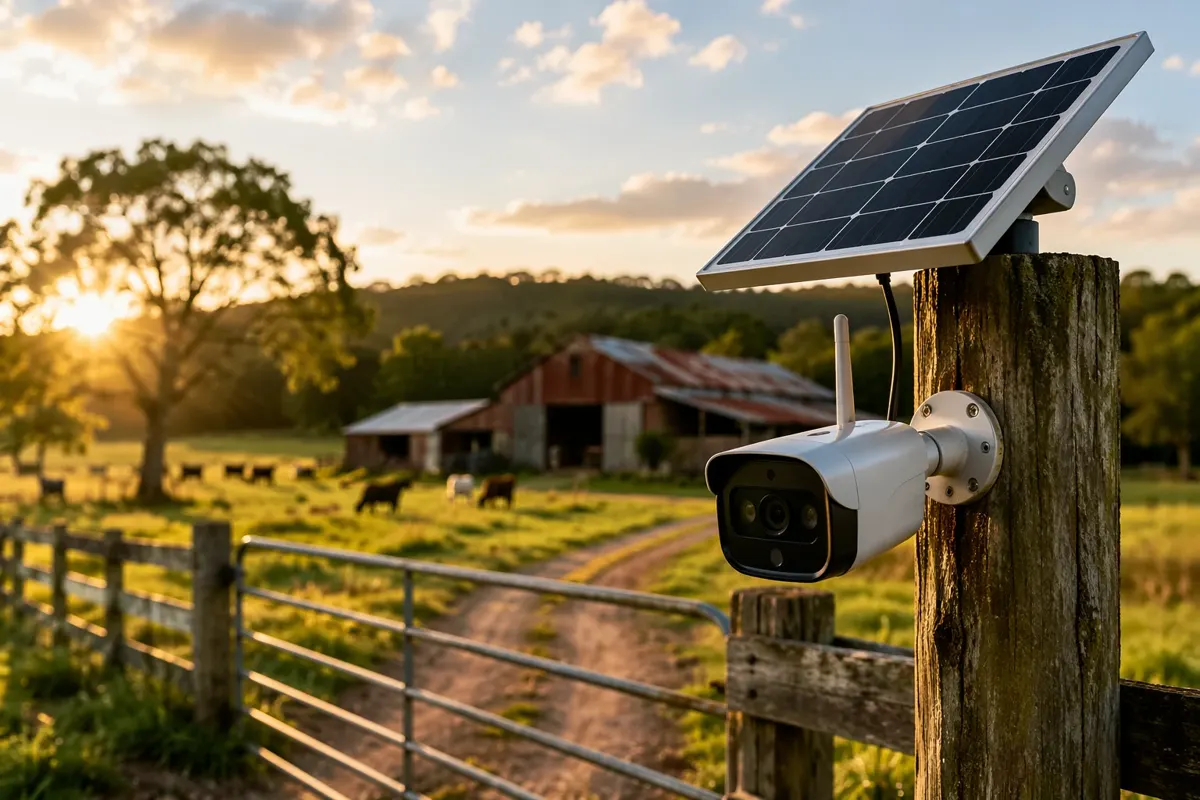
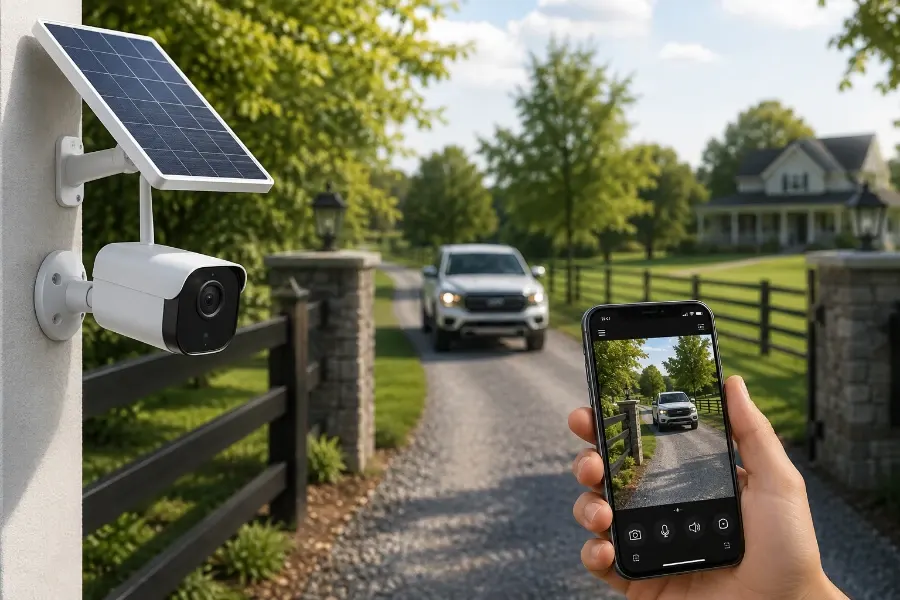
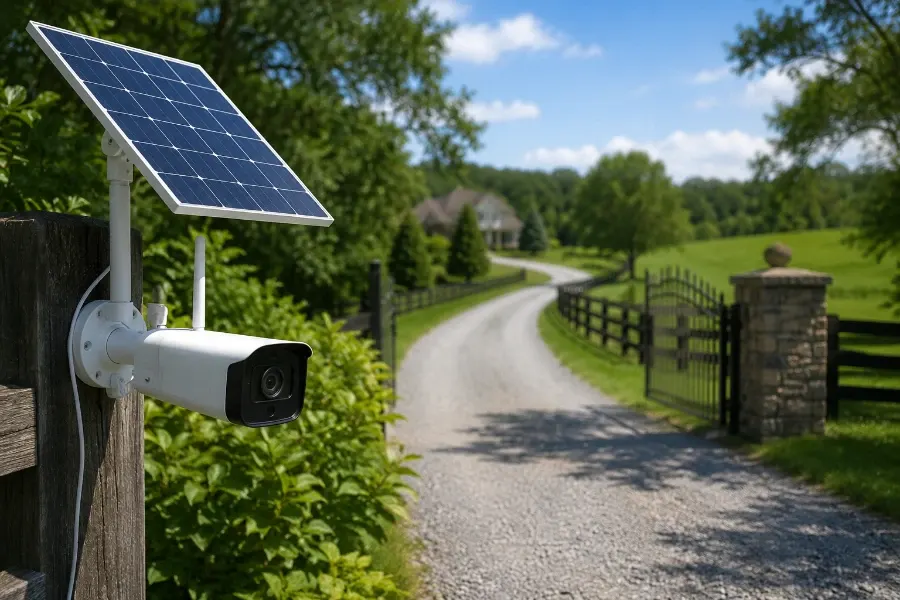
A modern solar security camera can deliver a solar camera driveway alert to your phone on its own. Its PIR sensor (heat-motion, typically effective at about 8–12 m) wakes the camera, the image processor checks whether the moving object is a vehicle, person or animal, and the camera records a clip and pushes an alert to your phone. Many apps let you get alerts for vehicles only, people only, or both.
What you need for this to work well:
- On-device AI detection for vehicles and people. Basic motion-only cameras alert on every swaying branch and passing shadow.
- Activity zones you can draw over the driveway to exclude the road and neighbors’ property.
- Reliable connectivity at the mount: strong 2.4 GHz Wi-Fi, or 4G. See do solar cameras need Wi-Fi.
- Enough solar for the event count. A driveway with 20–40 arrivals a day is fine for a typical 3–6 W panel in decent sun; check yours in the battery calculator.
The limitation is reach. PIR range is short compared with most driveways, so the camera usually catches a car as it gets close to the house, not when it turns in from the road.
Option 2: Solar driveway alarm sensors with a phone app
Driveway alarms are purpose-built to detect vehicles at the entrance. They’ve been around for decades as wireless sensor-plus-chime kits, and many now come with solar-charged sensors and Wi-Fi hubs that send phone notifications. If you searched “driveway sensor with phone app,” this is the category.
PIR driveway sensors
A post-mounted PIR sensor watches across the driveway and triggers on warm moving objects. It’s cheap and easy to install, but it also triggers on people, deer and dogs. Aim it low and across the drive, not along it, and keep it away from the road.
Buried magnetic probe sensors
A magnetic probe is buried beside the driveway and senses the disturbance in the Earth’s magnetic field caused by a large moving metal object. It ignores people and animals, which makes it the most reliable “a vehicle is coming” signal. It needs a short trench or a hole beside the drive and a transmitter box nearby. Detection range is short, typically a few meters from the probe, so place it beside the narrowest part of the drive.
How alerts reach your phone
Classic kits send a radio signal to a plug-in receiver in the house that chimes. App-connected versions send the signal to a Wi-Fi hub, which pushes a notification. Some systems let the sensor trigger a camera to start recording. Radio range claims vary widely; treat “up to” numbers as open-field best case and expect less through trees and buildings.
Option 3: Wireless driveway alarm with camera (combined setup)
Combining a sensor at the entrance with a camera near the house gives you the best of both: early warning when a vehicle turns in, and video of who it was when they arrive. This is the practical answer to “solar driveway alarm with camera” for most properties over about 30 m long.
- Place the sensor at the entrance
Put a magnetic probe or PIR sensor 10–30 m in from the road, past any spot where passing cars or people could trigger it.
- Place the camera where vehicles slow down
Usually near the parking area, garage or a bend. Slower vehicles mean sharper frames.
- Link them if possible
Some systems can trigger the camera from the sensor. If not, the two alerts simply arrive a few seconds apart.
- Tune alert types
Use the sensor for “vehicle entering” alerts and set the camera to vehicles and people inside a driveway activity zone.
Long driveways: range, LoRa sensors and 4G cameras
When the entrance is 100 m or more from the house, Wi-Fi rarely reaches it. You have three good options:
- Long-range sensors. Some driveway alarms and smart-home sensors use LoRa or similar low-power, long-range radio. They trade data rate for range and can often reach hundreds of meters with good line of sight. They send small alert messages, not video.
- A 4G solar camera at the gate. A cellular camera at the entrance records arrivals and sends alerts with video directly over the mobile network. Data use is typically 1–10+ GB a month depending on traffic; estimate it with the 4G data calculator. Our solar camera with SIM card guide covers plans.
- A point-to-point Wi-Fi bridge to extend your network to the gate, powered from the house or a solar kit at the far end.
For gates specifically, see our solar gate camera guide, and for bigger properties, solar cameras for rural property.
Camera angle and placement to catch vehicles and plates
Getting a usable license plate is harder than most people expect. Plates are small, often reflective at night, and cars move. The best results come from:
- A choke point. Aim at the narrowest spot where every car passes, ideally where it slows.
- A shallow angle. Keep the horizontal angle between the camera and the direction of travel under about 30°, and the downward angle modest. Mounting at 1–2 m on a post beside the drive often beats a high corner of the house.
- Enough pixels. Plates generally need far more pixel density than recognizing a vehicle type. A wide 110° lens covering a whole driveway rarely has enough at 10 m; a narrower lens or zoom does.
Use the calculator to see how wide your view is at the distance where cars pass, and whether you’ll have enough pixels for detail.
Try different distances and lens angles; you can also use the full camera coverage calculator. If you need both an overview and plates, two cameras usually beat one. See how many CCTV cameras do I need for planning multiple views.
IR night vision often overexposes reflective plates into a white rectangle. A camera with plate-friendly exposure settings, a slightly off-axis angle, or a motion-activated light can help. Read do solar cameras work at night for the trade-offs.
How to reduce false driveway alerts
A driveway alert that fires for every passing car on the road gets muted within a week. Work through these:
- Draw activity zones
Cover only the driveway surface. Exclude the street, sidewalk and neighbors’ driveways.
- Use object filters
Set alerts to vehicles and people; turn off “all motion” and, unless you want them, animals.
- Lower PIR sensitivity
High sensitivity picks up warm cars on the road and sun-heated surfaces. Step it down and test.
- Angle away from the road
Point the camera along the driveway toward the house, or across it, rather than toward the street.
- Avoid headlight sweeps
Cars turning nearby can sweep light across the camera at night. A small shift in angle can stop this.
- Schedule
Some apps let you mute alerts during busy hours you don’t care about, such as your own commute.
- Use a magnetic probe for vehicle-only alerts
Where wildlife is constant, a buried probe ignores everything that isn’t a vehicle.
How fast do solar camera alerts arrive?
Battery and solar cameras sleep to save power. When something triggers the PIR, the camera wakes, starts recording, runs detection, connects or confirms its connection, uploads a snapshot or clip and then the notification travels through the manufacturer’s servers to your phone. Owners commonly report total delays of a few seconds, longer on weak Wi-Fi or slow cellular. That’s fine for “someone’s here” awareness but means the car may already be parked by the time you open the app.
To cut latency: keep signal strong (about −65 dBm or better on Wi-Fi), use the sensor-at-entrance approach for earlier warning, and turn on rich notifications with a snapshot so you can see what happened without opening the app.
Solar driveway camera: panel and placement tips
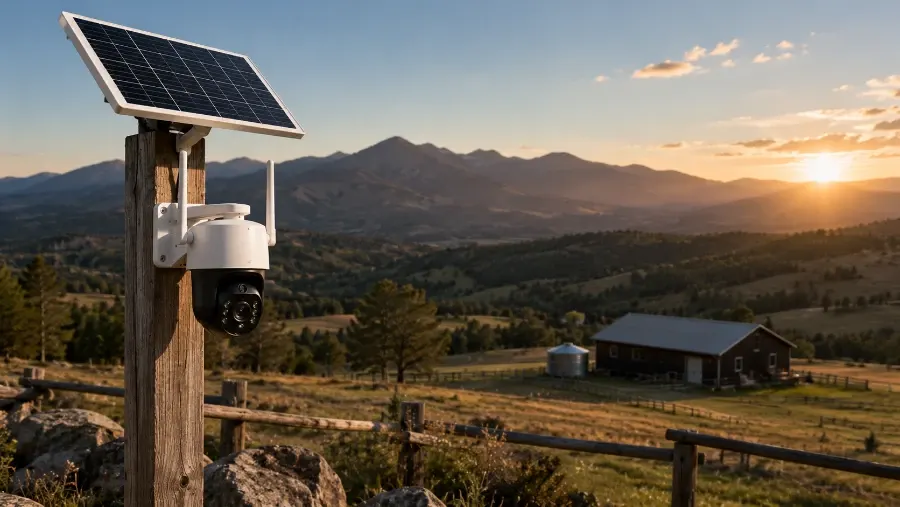
Driveways are often open and sunny, which suits solar, but trees along the drive can shade a post-mounted panel. Face the panel toward the equator (south in the northern hemisphere) and tilt it near your latitude, steeper in winter; the solar panel angle calculator gives exact figures. Run the solar camera site check for your spot. In snowy regions, mount the panel steep enough that snow slides off and high enough to stay clear of plow spray; a solar driveway camera buried in a snowbank stops charging within days. See do solar cameras work in winter for cold-weather battery limits. For mounting on posts without drilling the house, see how to install a solar camera without drilling.
How to set up a solar camera driveway alert to phone: step by step
- Test signal at the mount
Stand at the spot with your phone on 2.4 GHz Wi-Fi (or your 4G carrier) and run a speed test. If signal is marginal, fix it before buying hardware.
- Pair the camera near the router
Charge it fully by USB, add it in the app, and install firmware updates while it’s close and easy to reach.
- Mount at the choke point
Post or wall, about 1.5–3 m high, aimed along the drive toward approaching vehicles, with the panel in full sun.
- Draw the activity zone
Outline the driveway surface only, leaving out the road and sidewalk.
- Choose alert types
Turn on vehicle and person alerts, turn off generic motion, and enable rich notifications with a snapshot.
- Walk and drive a test
Drive in at normal speed and walk the drive at dusk. Check that alerts arrive, how long they take and whether the clip shows what you need.
- Tune for a week
Review false alerts each evening and adjust sensitivity and zones. Most setups settle after a few rounds of tweaks.
What does a driveway alert setup cost?
Typical US retail ranges at time of writing (late 2026): a Wi-Fi solar camera with AI vehicle detection commonly runs about $60–$250; a basic PIR driveway alarm kit with a chime receiver about $25–$80; a magnetic probe kit or Wi-Fi app-connected sensor system roughly $80–$250; and a 4G solar camera about $150–$400 plus a data plan. Cloud recording plans, if you want them, are often a few dollars a month per camera. For a wider look at whether solar pays off versus running cable to the end of the drive, try the solar vs wired cost calculator.
Recommended gear
Wireless driveway alarm sensor
- Long-range wireless
- Weatherproof PIR sensor
- Indoor chime receiver
An instant chime when a vehicle passes, independent of Wi‑Fi. Pairs well with a camera at the gate.
View on AmazonReolink Argus 4 Pro + Solar Panel 2
- 4K
- 180° dual-lens view
- Color night vision
- Dual-band Wi‑Fi 6
- 6 W panel kit
A wide 180° stitched view from one camera, with a detachable 6 W panel. Good for covering a whole yard or driveway from a corner.
View on AmazonSolar motion flood light
- Motion activated
- Separate solar panel
- No wiring
Lights the scene so night footage switches to color and intruders know they are seen.
View on AmazonAffiliate links. Prices, bundles and specs change, so confirm compatibility on the listing.
Which driveway alert setup should you choose?
- Driveway under 30 m, good Wi-Fi: one solar camera with vehicle detection.
- Wildlife or pedestrians cause false alerts: add a buried magnetic probe sensor for vehicle-only alerts.
- 30–100 m driveway: sensor at the entrance plus a camera near the house.
- Over 100 m or no Wi-Fi at the entrance: 4G solar camera at the gate, optionally with long-range sensors.
- You need plates: a dedicated narrow-lens camera at a choke point, in addition to an overview camera.
Whichever route you take, a solar camera driveway alert setup works best when detection, angle and signal are tuned together. Check local rules before pointing cameras at a public road, and note that recording audio is more tightly regulated than video in many states. For background on solar-powered video, read how solar cameras work, and for a broader look at radio-based vehicle detection, the LoRa entry explains why long-range sensors can reach so far on so little power.
Frequently asked questions
Can a solar camera send driveway alerts to my phone?
Yes. A solar camera with motion detection, ideally with AI vehicle and person detection, sends push notifications through its app over Wi-Fi or 4G. Draw an activity zone over the driveway and set alerts to vehicles so you are not notified about passing traffic or swaying plants.
What is the best driveway sensor with a phone app?
For vehicle-only alerts, a buried magnetic probe sensor with a Wi-Fi hub is the most reliable because it ignores people and animals. PIR sensors are cheaper and easier to install but trigger on wildlife. Look for a hub that pushes notifications to your phone and, ideally, can trigger a camera.
Is a solar driveway alarm with camera better than a camera alone?
On long driveways, usually yes. The sensor at the entrance warns you when a vehicle turns in, well before a camera near the house can see it, and the camera then records who arrived. On short driveways with good Wi-Fi, a camera with vehicle detection alone is often enough.
How do I stop my driveway camera alerting on passing cars?
Draw an activity zone that covers only your driveway, set alerts to vehicles and people inside that zone, lower PIR sensitivity, and angle the camera away from the road. If headlights sweep across it at night, a small change in angle often fixes it.
How long does a solar camera alert take to reach my phone?
Typically a few seconds. Battery-powered cameras sleep, so they must wake, record, analyze and upload before notifying. Weak Wi-Fi or slow cellular adds delay. For earlier warning on long driveways, add a sensor at the entrance so you are alerted as the vehicle turns in.
Can a driveway camera read license plates?
Sometimes, if it is positioned well. Aim at a choke point where cars slow down, keep the angle shallow, and use a narrow lens or zoom so the plate has enough pixels. Wide-angle cameras covering a whole driveway rarely capture readable plates, especially at night.