A solar security camera not charging is more than a minor inconvenience. It’s a silent failure. No alerts. No recordings. And no protection when you need it most. I’ve seen it happen—everything looks fine on the surface, yet the battery keeps dropping. Frustrating, right?
Here’s the good news. Most charging issues aren’t complicated. In fact, they’re usually caused by a handful of predictable problems. Better yet, they’re fixable. Quickly.
In this guide, I’ll walk you through exactly why your system fails—and the five fixes that actually work. Not guesses. Real solutions you can apply today.
Why Your Solar Security Camera Is Not Charging
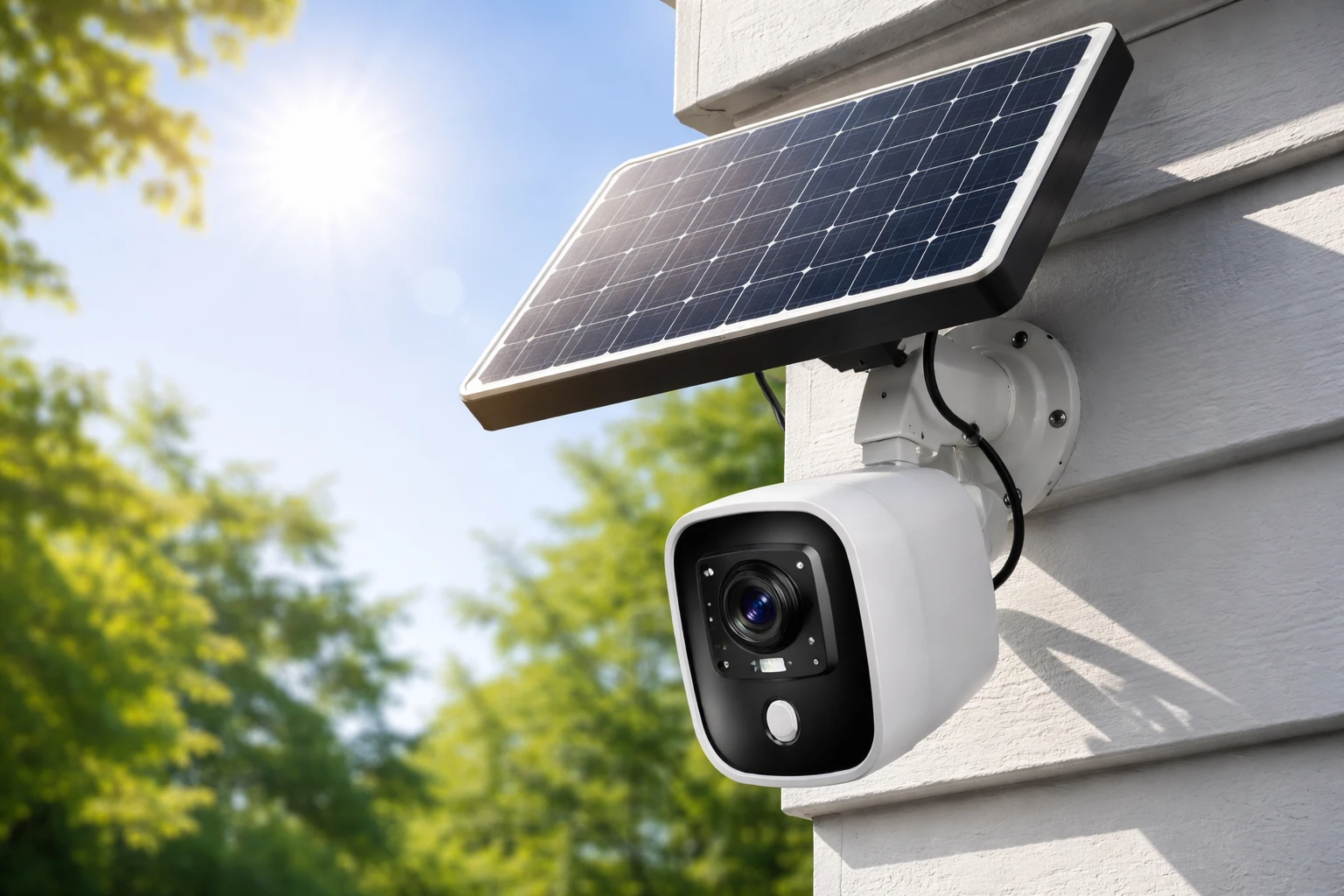
Let’s start with the basics. A solar-powered camera depends on four core components working together:
- Solar panel (captures sunlight)
- Rechargeable battery (stores energy)
- Charging circuit/controller
- Cables and connectors
If one of these breaks down—even slightly—you end up with a solar security camera not charging.
Here are the most common causes:
- Insufficient sunlight exposure
- Dirty or blocked solar panel
- Loose or damaged connections
- Battery degradation over time
- Incorrect installation angle
Notice something? None of these are rare. That’s why this issue shows up so often.
Quick Troubleshooting Checklist (Before You Try Fixes)
Before jumping into deeper fixes, run through this quick checklist. It saves time.
- Check your camera app for battery status alerts
- Look for charging indicators (LED or app icon)
- Confirm the solar panel is plugged in securely
- Restart the camera system
- Think about recent weather (several cloudy days?)
If everything looks normal but the solar security camera not charging issue persists, move on to the real fixes below.
Fix #1 — Reposition the Solar Panel for Maximum Sunlight
This is the number one problem. And the easiest to fix.
Solar panels need direct sunlight. Not partial. Not filtered. Direct.
If your panel is mounted under an eave, near a tree, or facing the wrong direction, it simply won’t generate enough power.
What to do:
- Position the panel where it gets at least 6–8 hours of sunlight daily
- Face it toward the equator (south-facing in most regions)
- Avoid shadows from:
- Trees
- Roof edges
- Nearby buildings
Optimal Angle Guide
| Location Type | Recommended Angle |
| Tropical areas | 10°–20° tilt |
| Mid-latitudes | 20°–35° tilt |
| Colder regions | 30°–45° tilt |
Small adjustment. Big difference.
I’ve personally seen cameras go from 10% battery to fully charged within days just by repositioning the panel. If your solar security camera not charging, start here.
Fix #2 — Clean the Solar Panel Surface
Dust doesn’t look dangerous. But it is—at least to solar efficiency.
Even a thin layer of dirt can block sunlight and reduce output significantly. Add bird droppings, leaves, or pollution buildup, and your panel becomes almost useless.
Signs your panel needs cleaning:
- Battery drains faster than usual
- Panel looks dull or cloudy
- Charging is inconsistent
How to clean it properly:
- Turn off or disconnect the panel if possible
- Use a soft microfiber cloth
- Wipe with clean water (no harsh chemicals)
- Let it air dry
That’s it. Simple. Effective.
Maintenance Tip
Clean your panel:
- Once a month in dusty areas
- Every 2–3 months in cleaner environments
A dirty panel is one of the fastest ways to end up with a solar security camera not charging situation.
Fix #3 — Check and Secure All Connections
Loose connections are silent troublemakers. Everything looks connected… until you look closer.
Over time, cables loosen. Ports collect moisture. Metal corrodes.
Inspect the following:
- Cable from panel to camera
- Charging port
- Mounting connectors
- Weather seals
Warning signs:
- Intermittent charging
- Visible rust or discoloration
- Frayed or bent cables
What to do:
- Unplug and firmly reconnect all cables
- Clean contacts gently with a dry cloth
- Replace any damaged wiring immediately
A weak connection means weak power flow. And yes—it can absolutely cause your solar security camera not charging problem.
Fix #4 — Inspect or Replace the Battery
Batteries don’t last forever. Even high-quality ones degrade.
Most solar camera batteries last 1 to 3 years depending on usage and climate. After that, performance drops fast.
Signs of a failing battery:
- Charges quickly but drains even faster
- Never reaches full charge
- Sudden shutdowns
Quick battery test:
- Fully charge using USB (if supported)
- Monitor how long it lasts
- If it drains rapidly, the battery is likely the issue
Replacement tips:
- Use manufacturer-approved batteries
- Match voltage and capacity specs
- Avoid cheap third-party options
If everything else checks out and your solar security camera not charging, the battery is often the culprit.
Fix #5 — Update Firmware or Reset the Camera
This one surprises people.
Yes—software can affect charging.
Outdated firmware can cause:
- Incorrect battery readings
- Charging errors
- Power management issues
Steps to fix:
- Open your camera’s mobile app
- Check for firmware updates
- Install the latest version
If that doesn’t work:
Reset the camera
- Follow the manufacturer’s reset instructions
- Reconnect to your network
- Reconfigure settings
It’s quick. And sometimes, it’s all you need to fix a solar security camera not charging issue.
When to Consider Environmental Factors
Not every problem is technical.
Sometimes, it’s just the environment.
Weather impact:
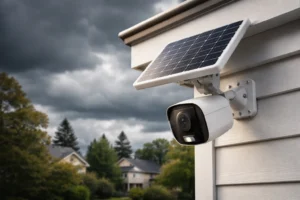
- Cloudy days reduce charging efficiency
- Rain and storms limit sunlight exposure
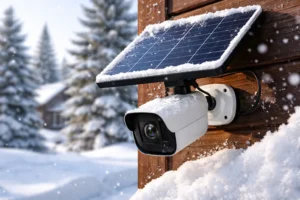
- Winter months bring shorter daylight hours
Temperature effects:
- Extreme heat can degrade batteries faster
- Cold temperatures reduce battery efficiency
If your solar security camera not charging, ask yourself:
Has the weather changed recently?
Sometimes the fix isn’t a repair—it’s an adjustment in expectations.
When Your Solar Panel Might Be Faulty
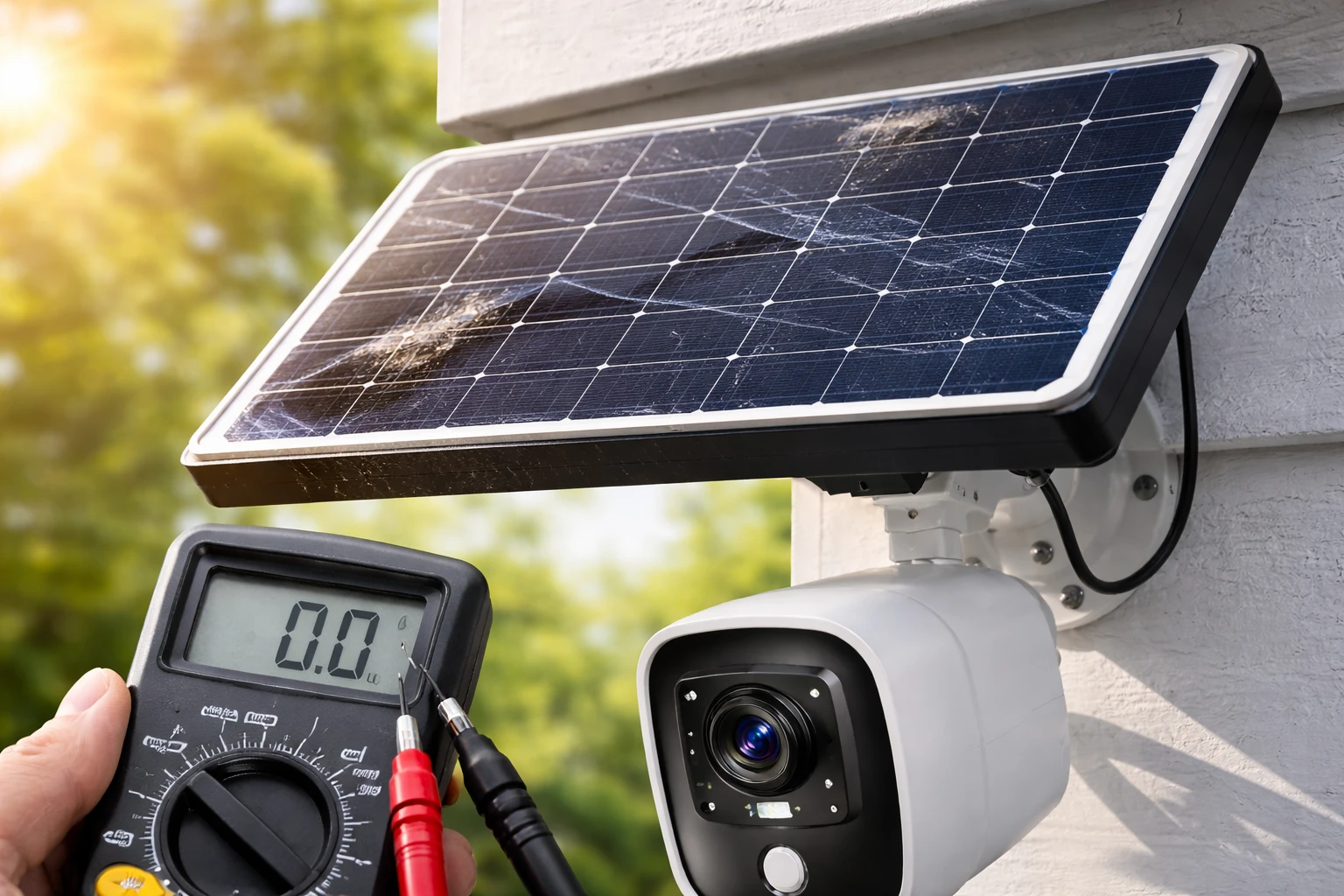
Let’s say you’ve tried everything.
Still not charging.
Now it’s time to consider hardware failure.
Signs of a bad solar panel:
- No charging even in full sunlight
- Visible cracks or damage
- Consistently low power output
Basic test:
- Swap with a working panel (if available)
- Check if charging resumes
If it does, your panel is the issue.
At that point, replacement is your best move.
Preventing Future Charging Issues
Fixing the problem is one thing. Preventing it? That’s where the real value is.
Best practices:
- Install panels in optimal sunlight from day one
- Clean regularly
- Check connections every few months
- Monitor battery performance via app
- Avoid overloading the camera with constant recording
Pro Tip
If your camera supports it, adjust motion sensitivity and recording frequency. Less power usage means less strain on your system.
A little prevention goes a long way. And it keeps your solar security camera not charging issue from coming back.
Final Thoughts
A solar security camera not charging feels like a major failure. But most of the time, it isn’t.
It’s usually something simple. Placement. Dirt. A loose cable. A tired battery.
Start with the basics. Work through the five fixes. One by one.
In many cases, you’ll solve the problem in under an hour.
And once it’s working again? Keep it that way. Maintain it. Monitor it. Adjust when needed.
Because a security system should be reliable—every single day.
FAQs
It may be poorly positioned, dirty, or have a loose connection preventing proper energy transfer.
Most solar cameras require around 6–8 hours of direct sunlight for optimal charging.
Yes, dust and debris can block sunlight and significantly reduce charging efficiency.
Check for high usage settings or consider replacing the battery if it’s old or degraded.
Typically, they last between 1 to 3 years depending on usage and environmental conditions.
Yes, cloudy days, rain, and extreme temperatures can reduce charging efficiency.
Most models allow USB charging as a backup when sunlight is insufficient.
If it doesn’t charge even in direct sunlight and shows no power output, it may be defective.
Yes, outdated firmware can cause power management errors that impact charging.
If only the panel is faulty, replacing it is usually more cost-effective than buying a new system.