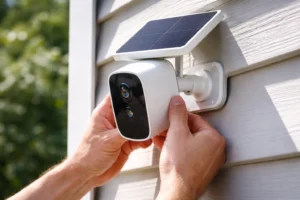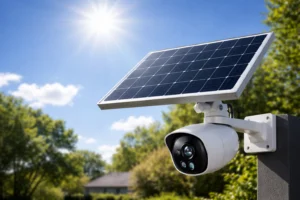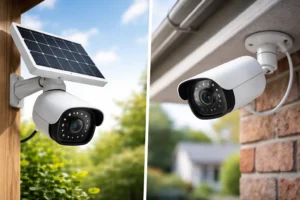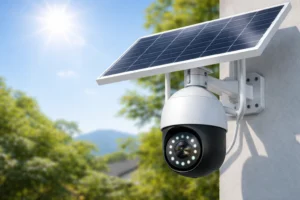
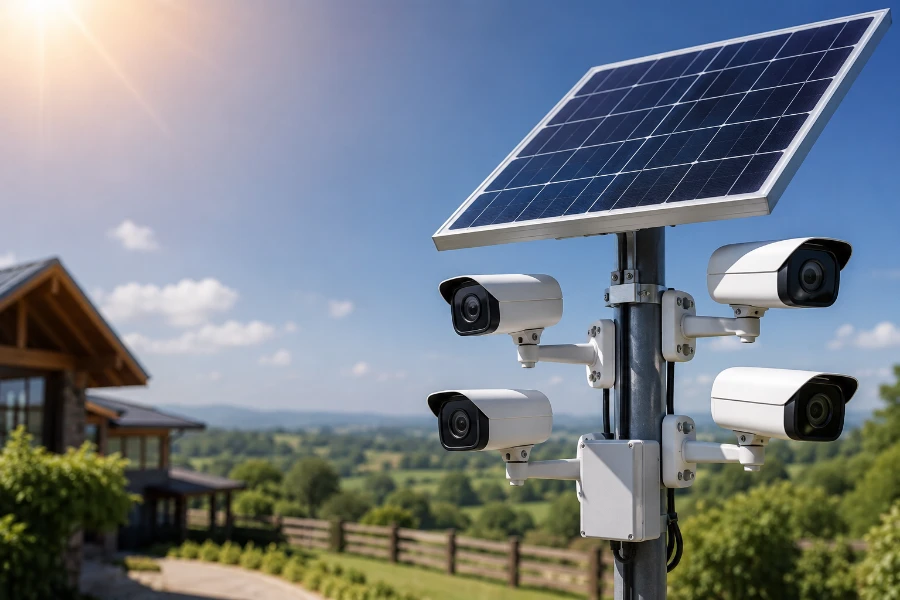
If you are trying to figure out how many solar cameras can one panel power, you are already asking the right question. Too many people buy a solar panel, attach a few cameras, and expect everything to run perfectly forever. Then the problems begin. Dead batteries. Cameras going offline at night. Spotty recordings. Missed alerts.
Solar security systems are incredibly useful, but only when the power setup actually matches the camera demand.
The good news? Most modern solar CCTV cameras use surprisingly little electricity. That means a properly sized solar panel can often support more cameras than people expect. Still, there is no one-size-fits-all answer. A tiny motion-detection camera and a 24/7 recording PTZ camera are completely different animals.
In this guide, we are going deep into the numbers, the real-world performance, and the mistakes that quietly destroy solar camera reliability. By the end, you will know exactly how to estimate how many solar cameras can one panel power without guessing.
Understanding How Solar Security Camera Systems Work
Solar camera systems sound complicated. They are not.
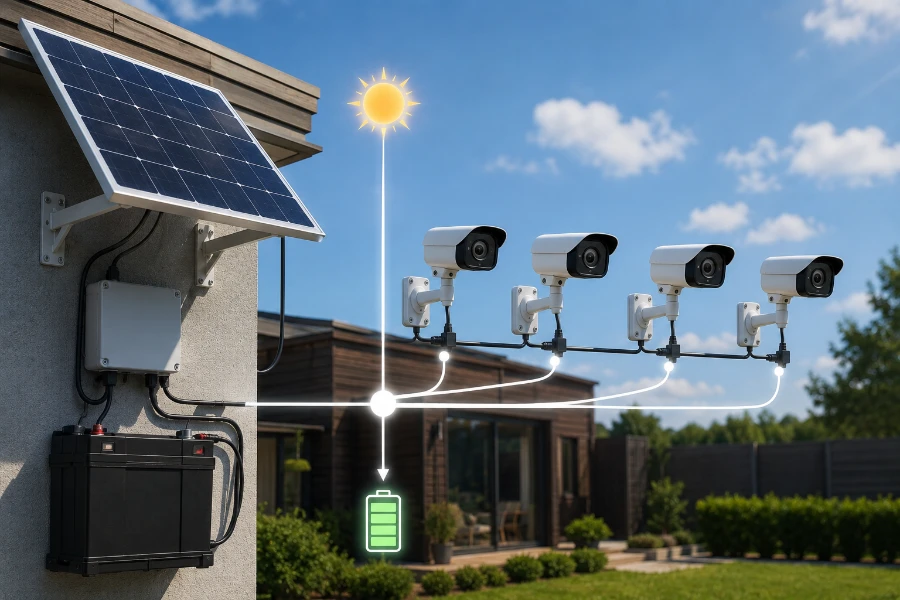
At their core, they work using four simple components:
| Component | Purpose |
| Solar Panel | Captures sunlight and generates electricity |
| Battery | Stores energy for nighttime use |
| Charge Controller | Regulates charging safely |
| Security Camera | Uses stored energy for operation |
During daylight hours, the solar panel charges the battery while also helping power the camera directly. At night, the battery takes over.
Simple. Efficient. Effective.
But here is where people get into trouble.
They focus only on the panel size and forget about battery storage. That is a mistake! Solar panels do not power cameras 24 hours a day on their own. The battery is doing a huge part of the work.
A 40W panel paired with a weak battery can perform worse than a 20W panel connected to a quality battery bank.
Everything works together.
How Much Power Does a Solar CCTV Camera Use?
Before answering how many solar cameras can one panel power, we need to understand camera energy usage first.
Most solar-compatible security cameras are designed to be low-power devices. Manufacturers know these systems depend on stored energy, so efficiency matters.
Here is a general breakdown:
| Camera Type | Average Power Usage |
| Basic Motion Sensor Camera | 2W–4W |
| Wi-Fi Security Camera | 4W–8W |
| 4G LTE Camera | 6W–10W |
| PTZ Security Camera | 10W–25W |
| Floodlight Camera | 15W–40W |
Notice how quickly the numbers climb once extra features enter the picture.
Night vision consumes power. So does continuous recording. AI detection features also increase energy draw because the processor works constantly.
A basic motion-triggered camera may only activate fully for short periods during the day. That dramatically reduces power consumption.
Meanwhile, a continuously recording 4K PTZ camera never really rests.
Huge difference.
What Makes Solar Cameras Consume More Power?
Several features quietly increase energy demand:
Night Vision
Infrared LEDs activate after dark and consume extra power throughout the night.
Wi-Fi Connectivity
Transmitting video wirelessly requires steady energy use. Weak Wi-Fi signals make this worse because the camera works harder to maintain the connection.
Cellular Connectivity
4G LTE cameras usually consume more power than standard Wi-Fi cameras because cellular radios require additional energy.
AI Features
Human detection, vehicle recognition, and facial recognition all increase processor activity.
Continuous Recording
This is one of the biggest power drains in any solar security system.
Motion-only recording is dramatically more efficient.
How Much Electricity Can One Solar Panel Produce?
This is where the math starts becoming practical.
Solar panels are rated in watts. But the rating only reflects ideal conditions. Real-world performance changes constantly.
A 100W solar panel does not produce 100 watts every second of the day.
Sunlight intensity changes. Cloud cover matters. Dust buildup matters. Even temperature affects output.
Here is a realistic estimate for average daily production:
| Solar Panel Size | Estimated Daily Output |
| 10W Panel | 30Wh–50Wh |
| 20W Panel | 60Wh–100Wh |
| 50W Panel | 150Wh–250Wh |
| 100W Panel | 300Wh–500Wh |
The “Wh” stands for watt-hours. This measures how much energy the panel produces over an entire day.
Now we are getting somewhere.
If your camera consumes 5 watts continuously for 24 hours, it needs about 120Wh daily.
That means:
5W×24h=120Wh5W \times 24h = 120Wh5W×24h=120Wh
A 20W panel may struggle in cloudy conditions. A 50W panel would provide much more stability.
How Many Solar Cameras Can One Panel Power?
Now for the real answer everyone wants.
The number of cameras one solar panel can power depends on:
- Panel size
- Battery storage
- Daily sunlight hours
- Camera power usage
- Recording mode
- Weather conditions
Still, we can estimate realistic ranges.
Example 1: Small 20W Solar Panel
A 20W panel typically generates around 80Wh daily under decent sunlight.
If your cameras consume about 4W each and operate mostly in motion-detection mode, you could realistically support:
- 1 continuously active camera
- OR 2 low-power motion-based cameras
But there is not much room for bad weather.
Cloudy days will stress the system quickly.
Example 2: Medium 50W Solar Panel
A 50W panel can generate around 200Wh daily.
That opens the door for:
- 2 to 4 efficient cameras
- Multiple motion-triggered systems
- One higher-power LTE camera plus smaller secondary cameras
This is often the sweet spot for residential systems.
Example 3: Large 100W Solar Panel
A 100W panel changes the game.
You can realistically support:
- 4 to 8 low-power cameras
- 2 to 4 continuously recording cameras
- Mixed systems with battery backup
This is where solar surveillance starts becoming scalable.
Quick Reference Table
Here is a simplified estimate for how many solar cameras can one panel power under average conditions:
| Solar Panel | Low-Power Cameras | Continuous Recording Cameras |
|—|—|
| 10W | 1 | Not recommended |
| 20W | 1–2 | 1 |
| 50W | 2–4 | 1–2 |
| 100W | 4–8 | 2–4 |
These are not hard limits. They are practical starting points.
Why Battery Capacity Matters So Much
This part gets overlooked constantly.
The solar panel gathers energy. The battery stores survival time.
Without enough battery storage, your cameras fail the moment sunlight disappears.
Here is a simple way to think about it:
- Solar panel = income
- Battery = savings account
You need both.
A properly sized battery allows cameras to survive:
- Overnight operation
- Cloudy days
- Stormy weather
- Winter conditions
For reliable operation, many installers aim for at least 2–3 days of backup power capacity.
That buffer matters more than most people realize.
Geographic Location Changes Everything
If you live in Arizona, your solar system behaves differently than one installed in Seattle.
Sunlight availability changes dramatically by region.
Some areas receive:
- 5–7 peak sun hours daily
- Consistent year-round sunlight
- Minimal cloud interference
Others do not.
Winter can also cut production significantly.
In northern climates, shorter daylight hours reduce charging time while cold weather increases system strain.
That combination hurts.
When estimating how many solar cameras can one panel power, always account for seasonal performance drops.
Not just perfect summer conditions.
Motion Recording vs Continuous Recording
This single decision changes everything.
Motion-based recording is incredibly efficient because the camera spends most of its time in low-power standby mode.
Continuous recording never stops drawing energy.
Here is the difference:
| Recording Mode | Power Efficiency |
| Motion Detection | Excellent |
| Scheduled Recording | Moderate |
| 24/7 Continuous Recording | High Consumption |
If maximizing solar efficiency is your goal, motion-triggered recording wins every time.
For remote properties, farms, and vacation homes, motion-only systems usually make the most sense.
Signs Your Solar Camera Setup Is Undersized
Some warning signs appear slowly.
Others show up immediately.
Watch for these problems:
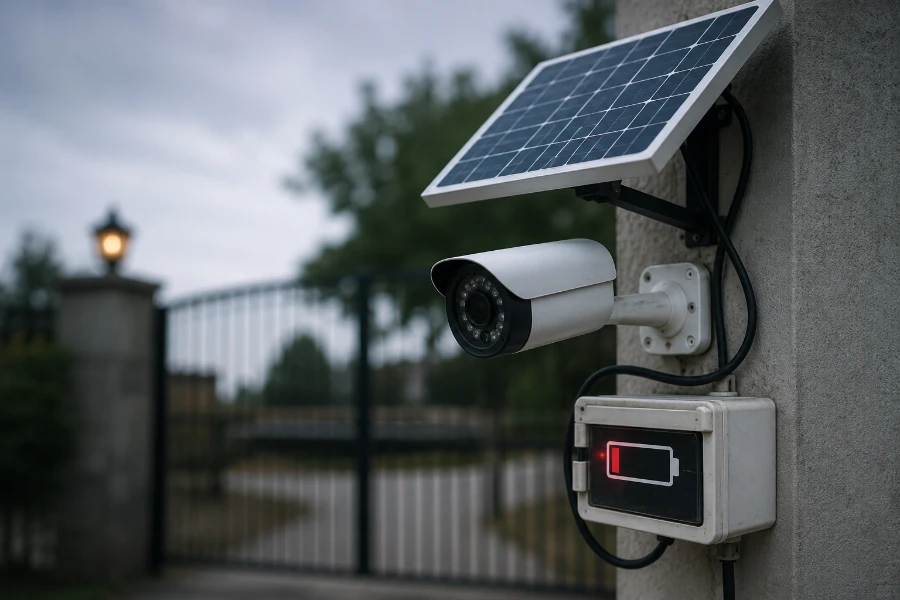
- Cameras disconnect overnight
- Battery percentage drops daily
- Footage becomes inconsistent
- Motion alerts stop working
- Cameras reboot randomly
- Charging never reaches 100%
These are classic symptoms of insufficient solar generation or weak battery storage.
Do not ignore them.
Minor instability today becomes complete failure during bad weather later.
Best Solar Panel Sizes for Different Setups
Choosing the right panel size matters more than squeezing extra cameras into the system.
Here are realistic recommendations.
Single Camera Setup
Recommended:
- 20W–40W panel
- 10Ah–20Ah battery
This works well for:
- Front doors
- Gates
- Small sheds
- Driveways
Two to Four Cameras
Recommended:
- 50W–100W panel
- Larger lithium battery bank
This is ideal for:
- Residential homes
- Small offices
- Detached garages
Larger Systems
Recommended:
- 200W+ solar arrays
- Dedicated battery systems
Used for:
- Farms
- Construction sites
- Warehouses
- Remote properties
At this level, solar surveillance becomes a serious infrastructure project.
Tips to Maximize Solar Camera Efficiency
A few smart adjustments can dramatically improve reliability.
Optimize Panel Placement
This matters more than panel wattage sometimes.
Position panels:
- Facing direct sunlight
- Away from tree shade
- At the correct tilt angle
Even partial shade reduces output heavily.
Reduce Camera Power Usage
Simple settings can cut consumption fast:
- Lower recording resolution slightly
- Use motion-only recording
- Reduce floodlight activation time
- Disable unnecessary AI features
Small changes add up.
Keep Solar Panels Clean
Dust, pollen, bird droppings, and debris reduce efficiency.
Dirty panels produce less power. Period.
Cleaning panels regularly helps maintain stable charging performance.
Common Mistakes People Make
This is where many solar camera projects fail.
Using Tiny Solar Panels
A cheap undersized panel often creates endless reliability problems.
Ignoring Winter Conditions
Summer performance is misleading.
Systems must survive the worst months, not the best ones.
Forgetting Battery Aging
Batteries degrade over time. Capacity slowly shrinks.
A system that works perfectly today may struggle in two years if there is no performance buffer.
Overloading One Panel
Trying to squeeze too many cameras onto one panel creates unstable performance.
Sometimes adding another panel is the smarter move.
Actually, it usually is.
Are Solar Security Camera Systems Worth It?
Absolutely. When designed correctly.
Solar camera systems offer major advantages:
- Flexible installation
- Off-grid capability
- Lower electricity costs
- Easy deployment in remote areas
- Minimal trenching or wiring
That freedom is powerful.
You can secure:
- Farms
- Cabins
- RV sites
- Construction projects
- Rural entrances
- Temporary job sites
Without running expensive electrical lines.
But there are limitations too.
Solar systems depend heavily on:
- Sunlight availability
- Battery quality
- Proper sizing
- Efficient camera selection
Poor planning creates frustration fast.
Good planning creates years of reliable operation.
The Smartest Way to Estimate Camera Capacity
If you truly want accurate numbers, use this approach:
Step 1: Calculate Total Daily Camera Usage
Example:
2 cameras × 5W each × 24 hours:
2×5W×24h=240Wh2 \times 5W \times 24h = 240Wh2×5W×24h=240Wh
Step 2: Compare Against Solar Production
If your solar panel produces 300Wh daily, you have a safety margin.
That margin matters.
Step 3: Add Weather Buffer
Always plan for:
- Cloudy days
- Winter performance
- Battery degradation
Oversizing slightly is smart engineering.
Not wasted money.
Final Thoughts
So, how many solar cameras can one panel power?
In most real-world situations:
- A small panel powers one efficient camera
- A medium panel supports two to four cameras
- A large panel can handle several low-power cameras reliably
But the real answer depends on balance.
Solar generation. Battery storage. Camera efficiency. Recording behavior. Weather patterns. They all matter.
That is why careful sizing beats guessing every single time.
If you want a solar CCTV system that works consistently, think beyond the marketing claims. Run the numbers. Build in extra capacity. Plan for cloudy days instead of perfect sunshine.
Do that, and your solar security setup becomes something incredibly valuable.
Reliable. Flexible. Quietly powerful.
FAQs
The number depends on the panel size, battery capacity, and camera power usage. A 100W solar panel can often support 4–8 low-power cameras under good sunlight conditions.
Yes, a 20W panel can usually power one efficient motion-detection camera with proper battery storage. Continuous recording may require a larger panel.
Yes, but performance depends on battery backup and panel size. Systems with larger batteries handle cloudy days much better.
Most solar cameras consume between 2W and 10W depending on features like night vision, Wi-Fi, and continuous recording.
Absolutely. Solar panels generate power during the day, while batteries keep cameras running at night and during poor weather.
Yes, if the panel produces enough daily energy and the cameras are energy-efficient. Larger panels like 50W or 100W are better for multi-camera setups.
The battery slowly drains, which can cause cameras to disconnect, miss recordings, or shut down completely.
Yes, motion-triggered cameras use far less energy than continuously recording systems, making them ideal for solar operation.
A 50W to 100W solar panel paired with a quality battery bank is usually recommended for four efficient cameras.